Your photo,
reimagined.
Add a partner, transform your style, or step into a new scene. Describe your idea and make it yours.
 Scenes
 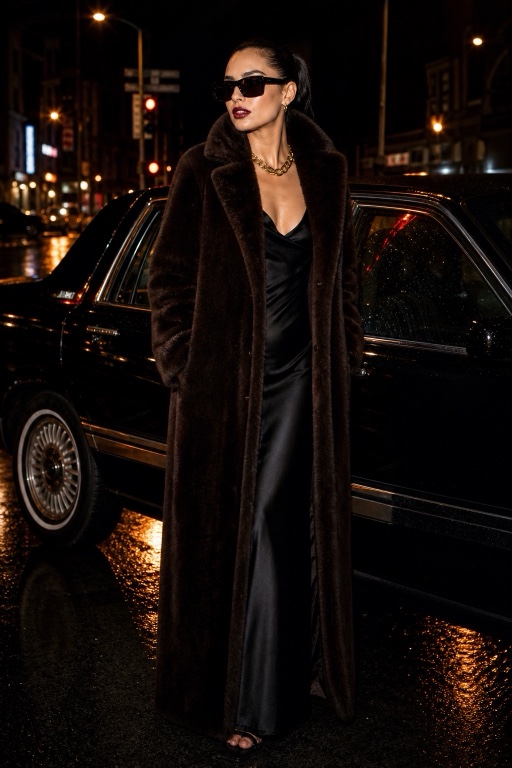 Style Me
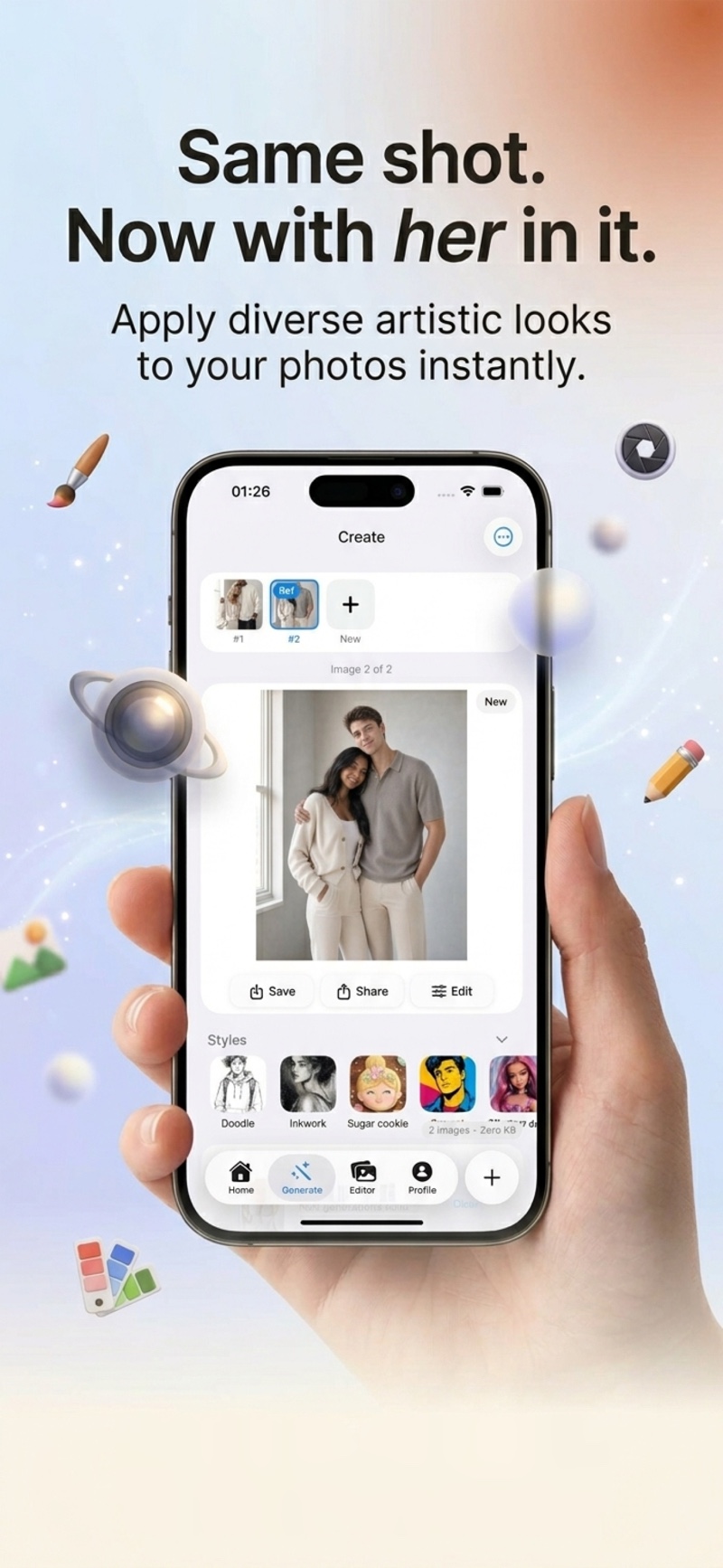
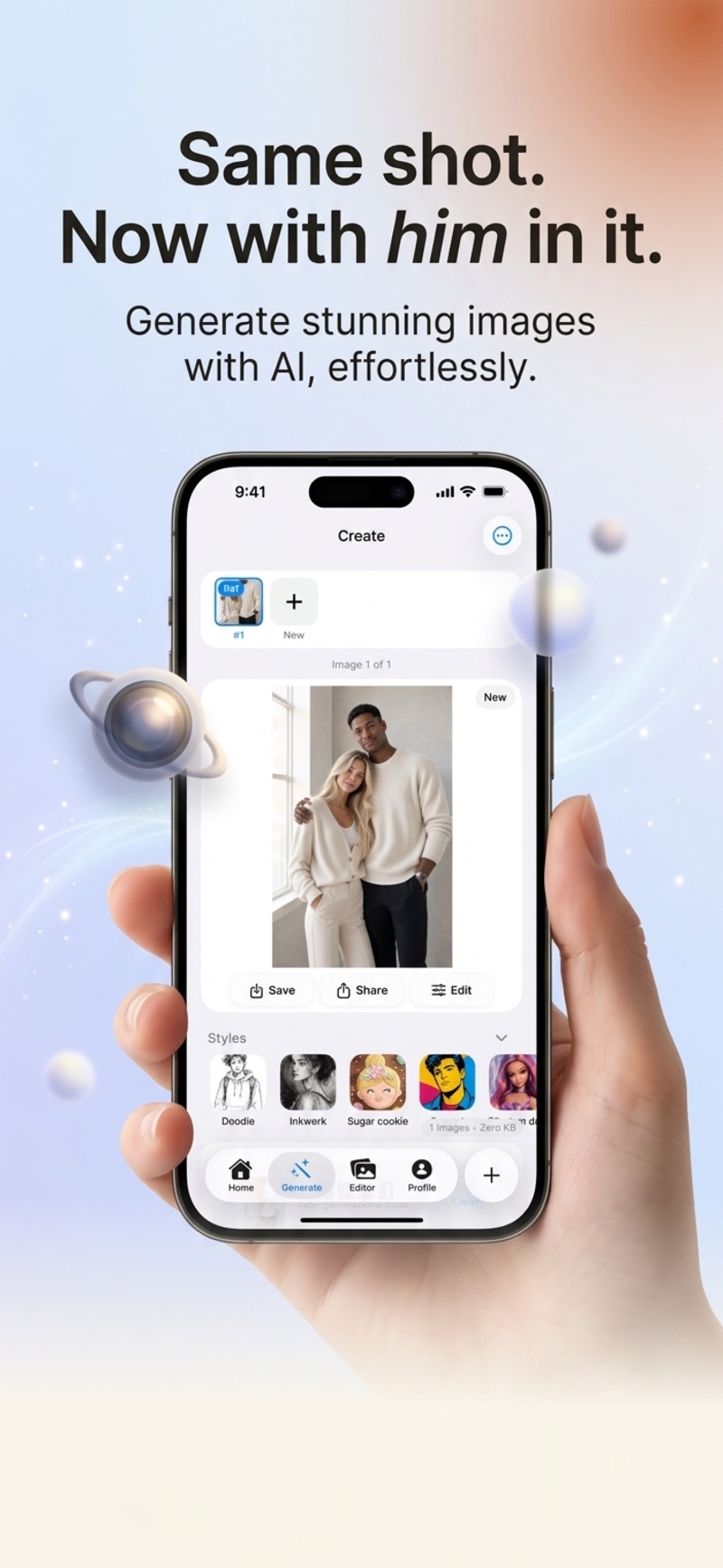
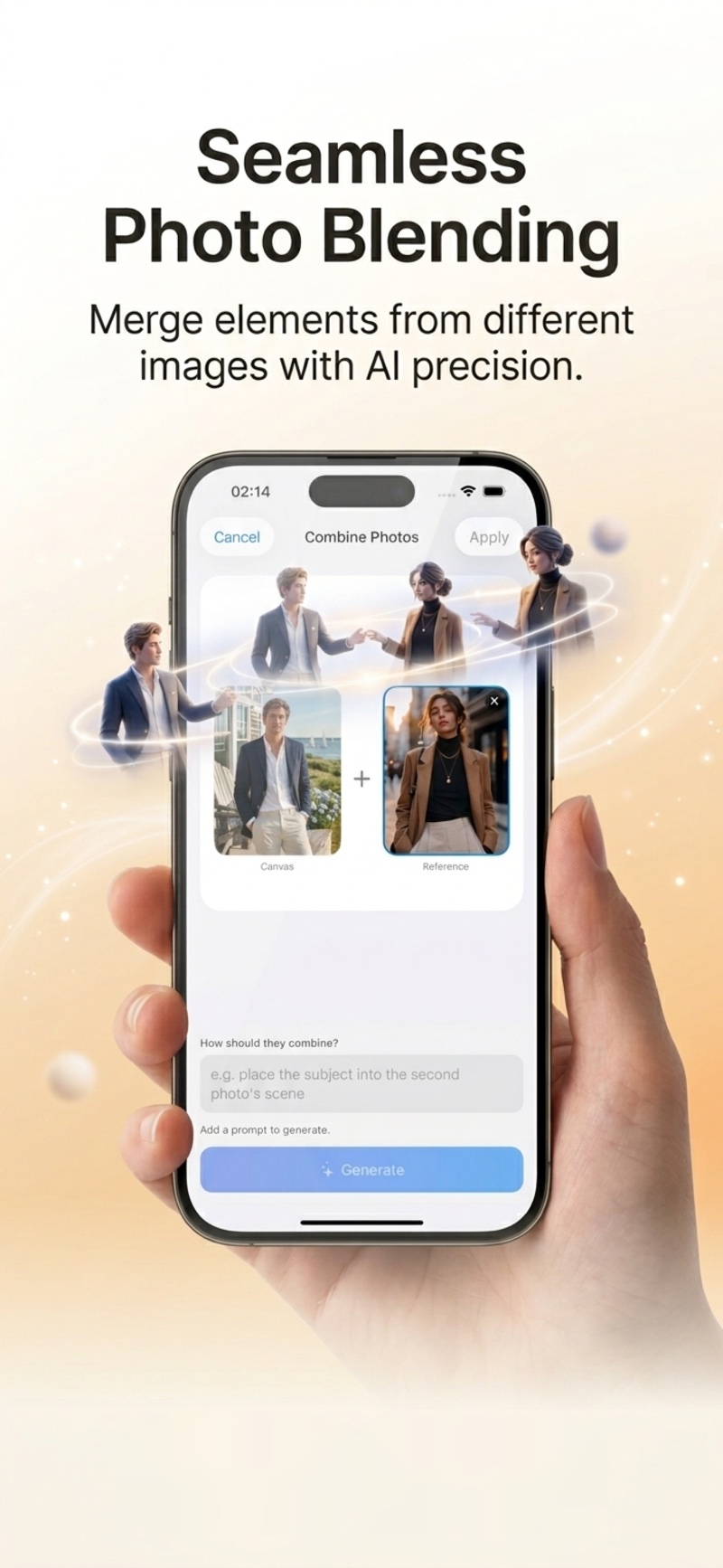
  Add a partner
  K-Pop Style
  Retro Anime
 A little inspiration for your next edit
See what’s possible
Silent creative examples and an earlier app walkthrough. Interface in English; the current app and your results may differ.
The photo editor
you can talk to.
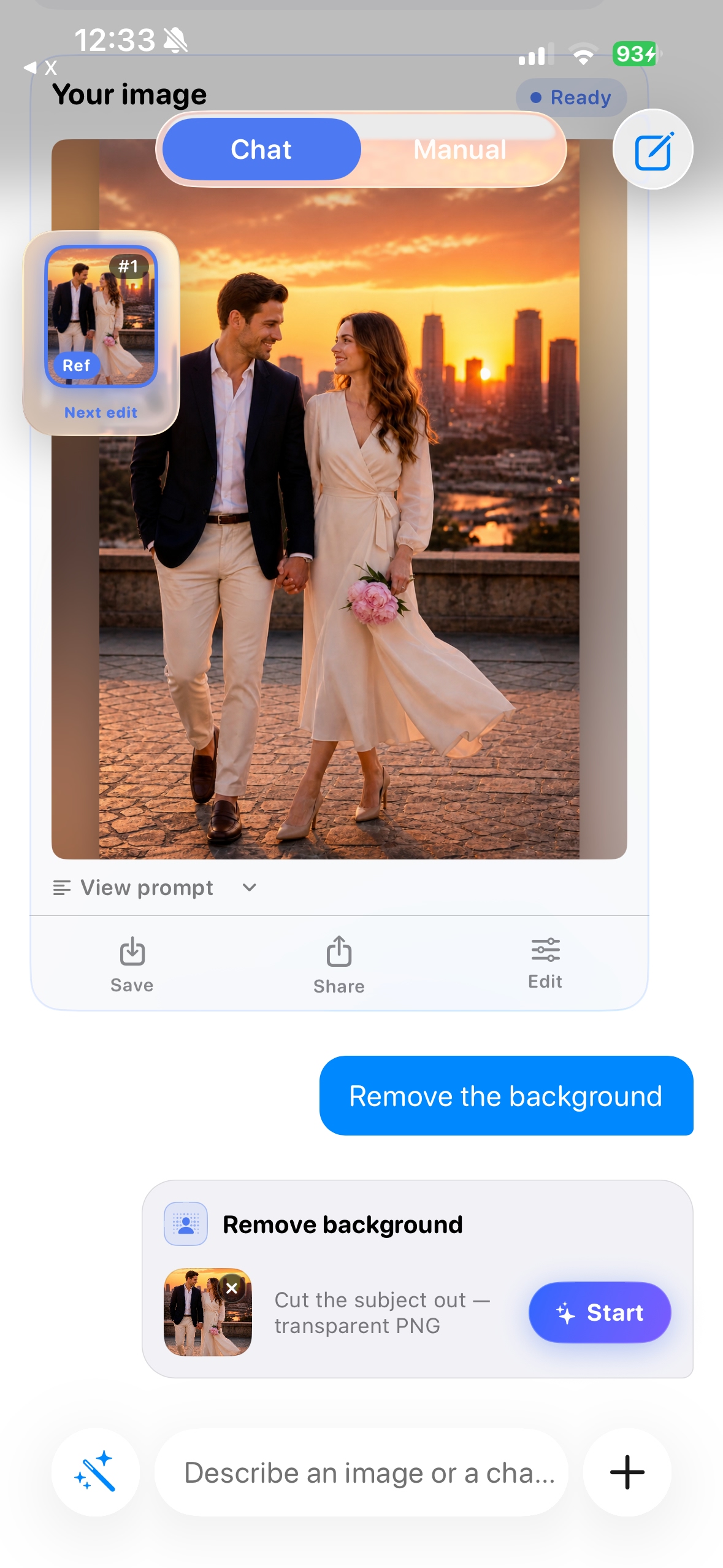
Describe what you want in a conversation. Start with an idea, see it take shape, and keep editing with a follow-up.
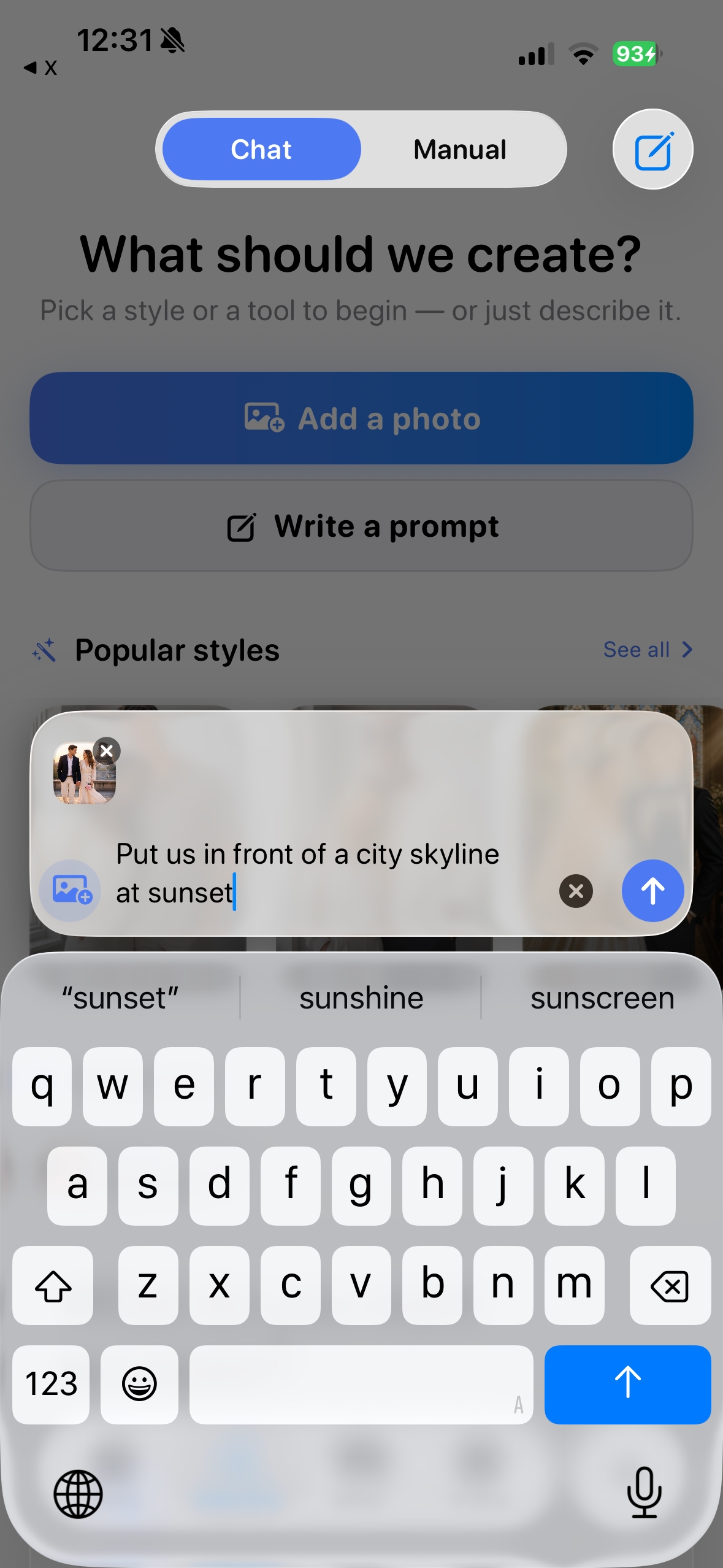
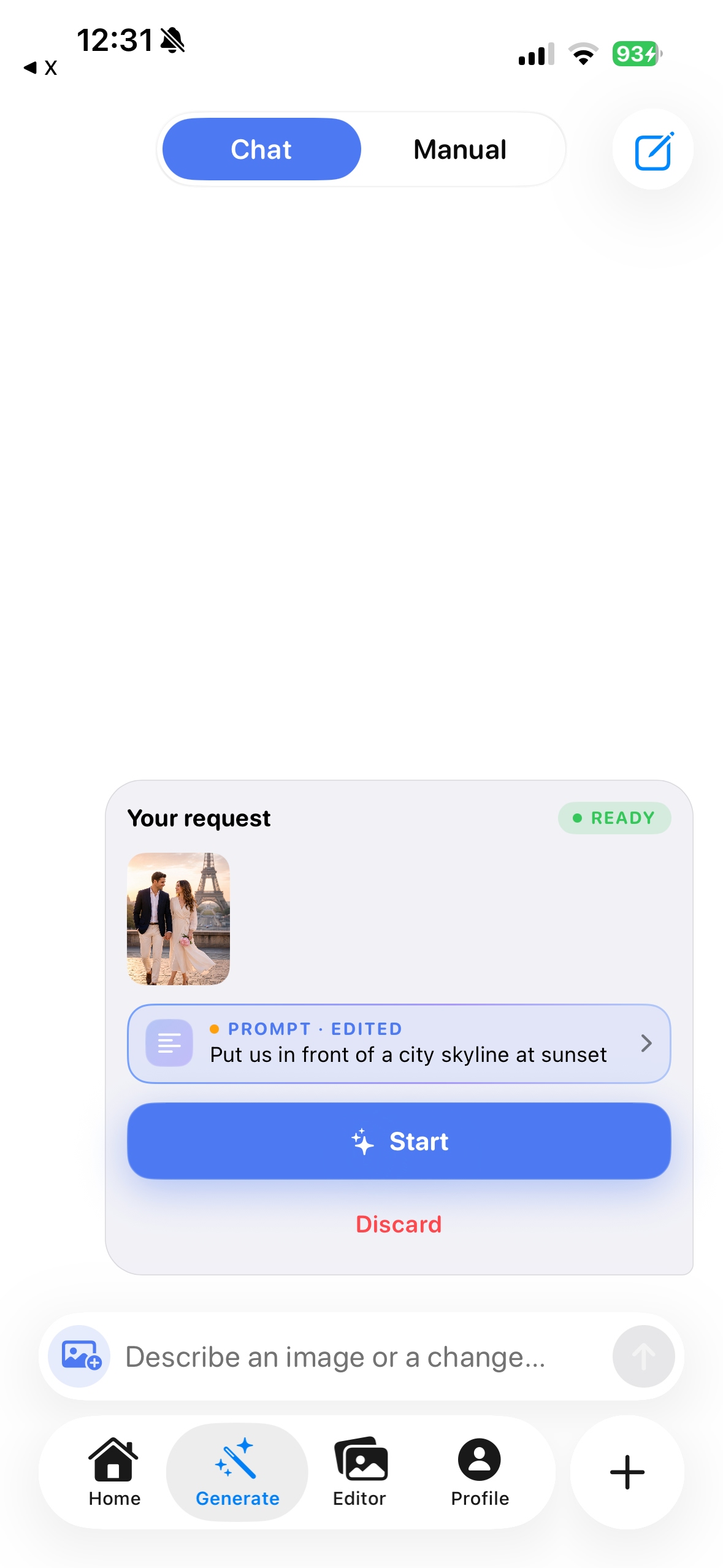
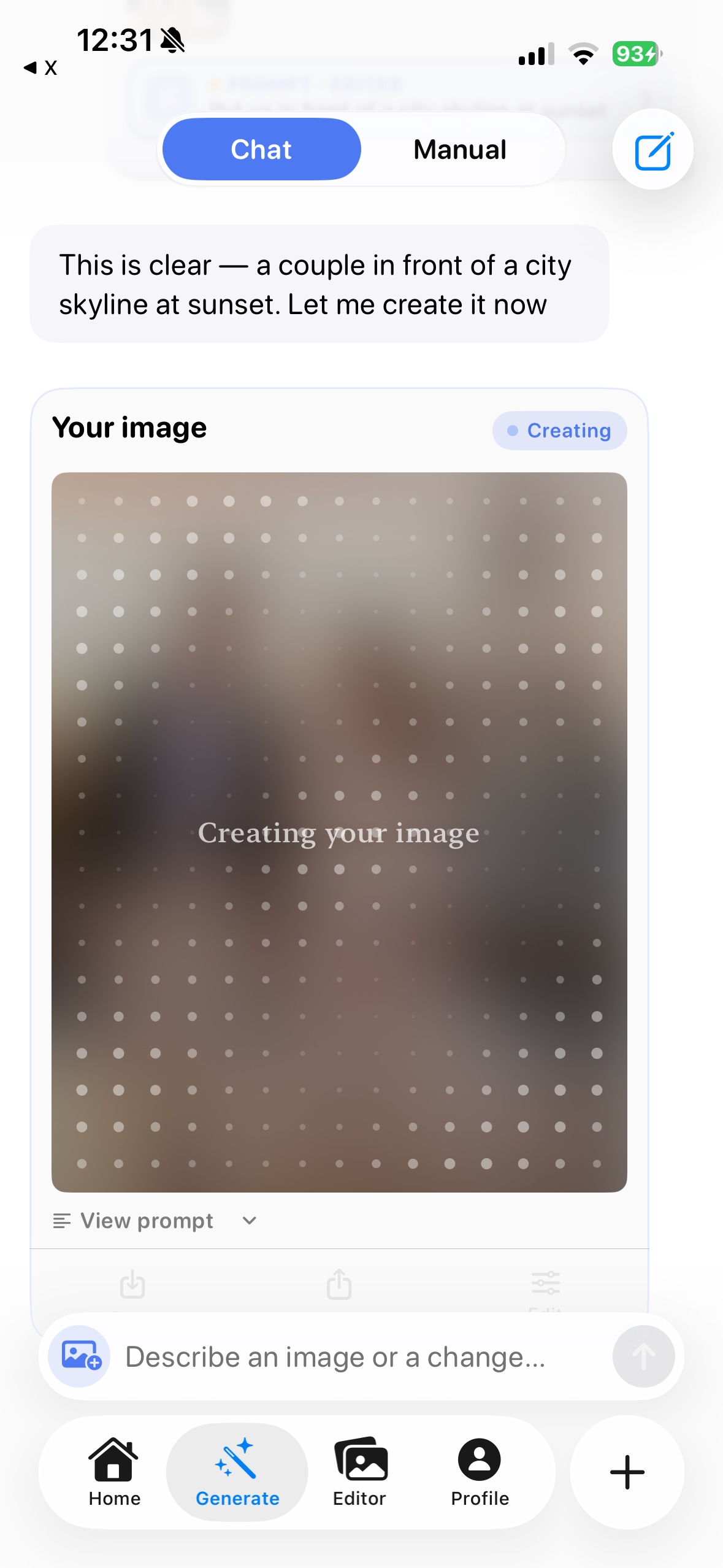
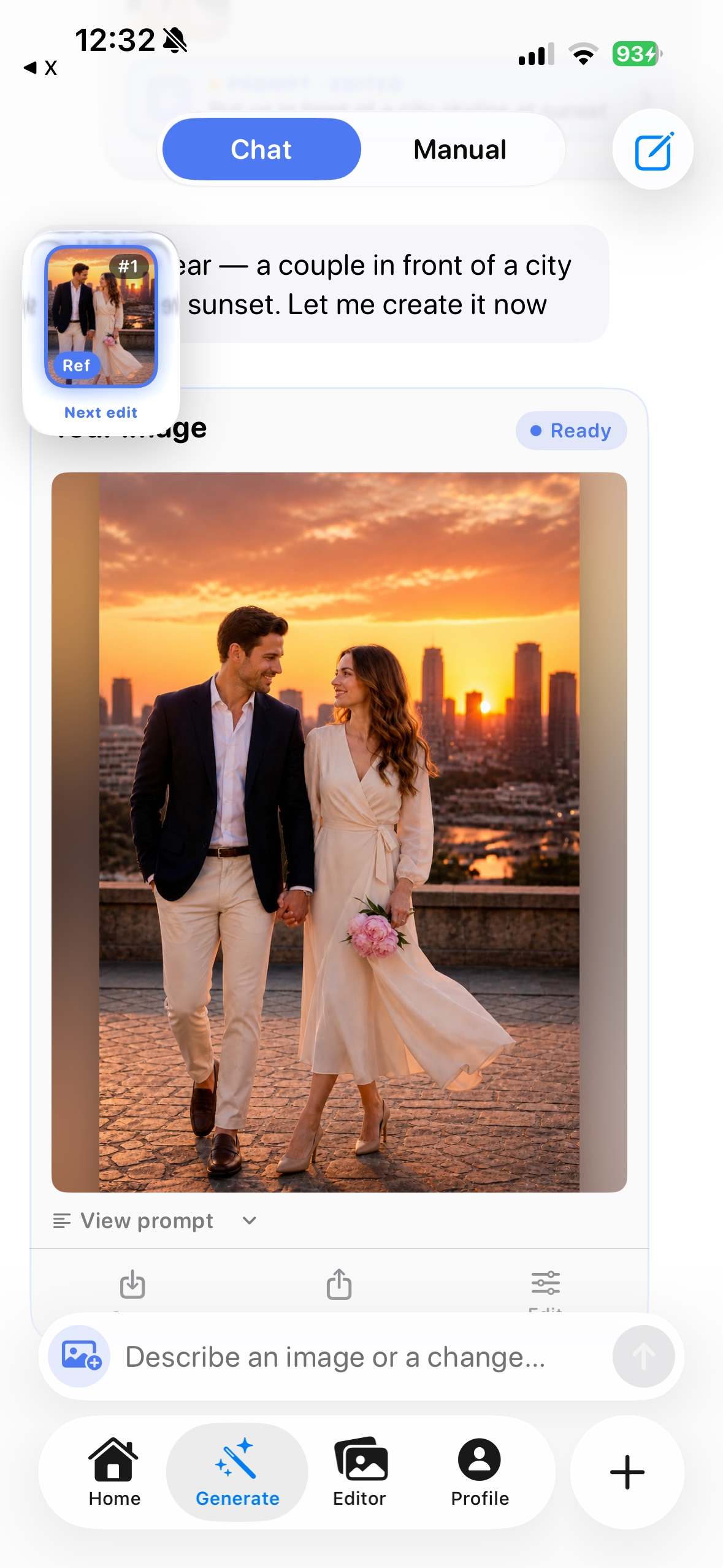
What would you like
to create?
Pick a style, explore a template, or describe your own idea.

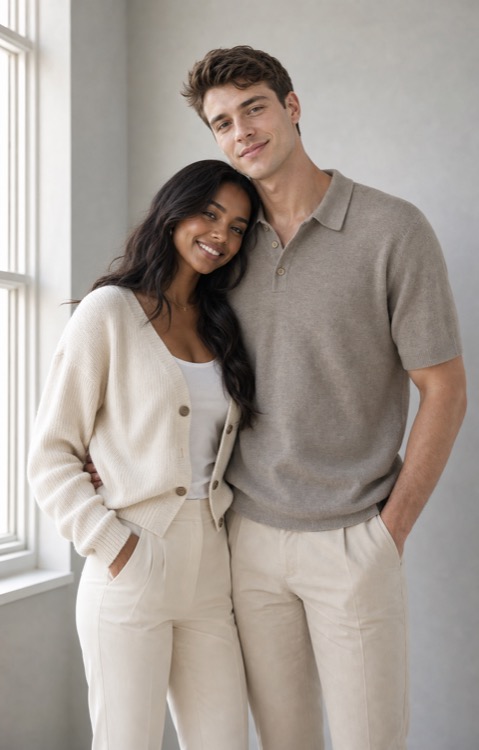

Add a partner
Imagine a new scene with a partner beside you.
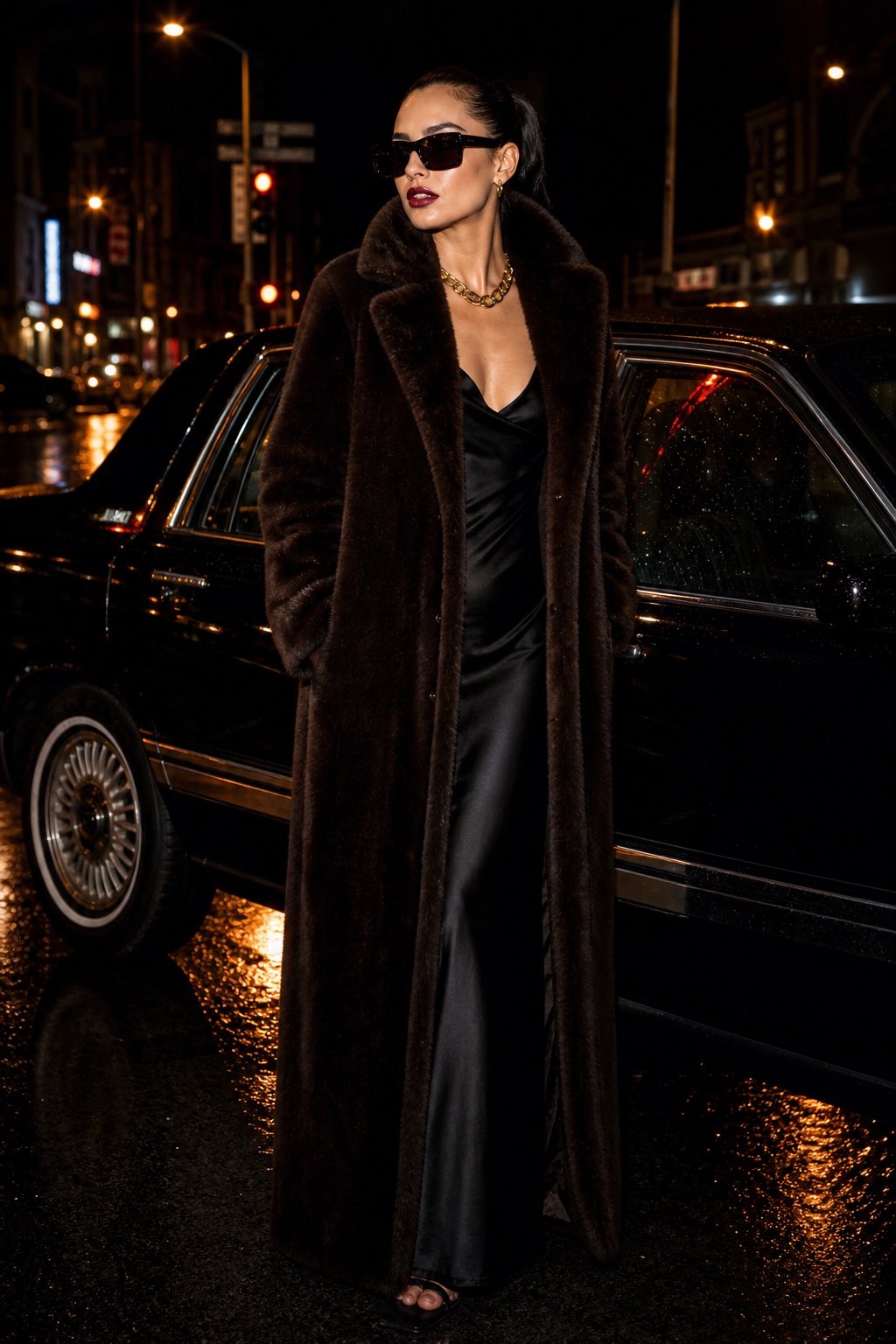
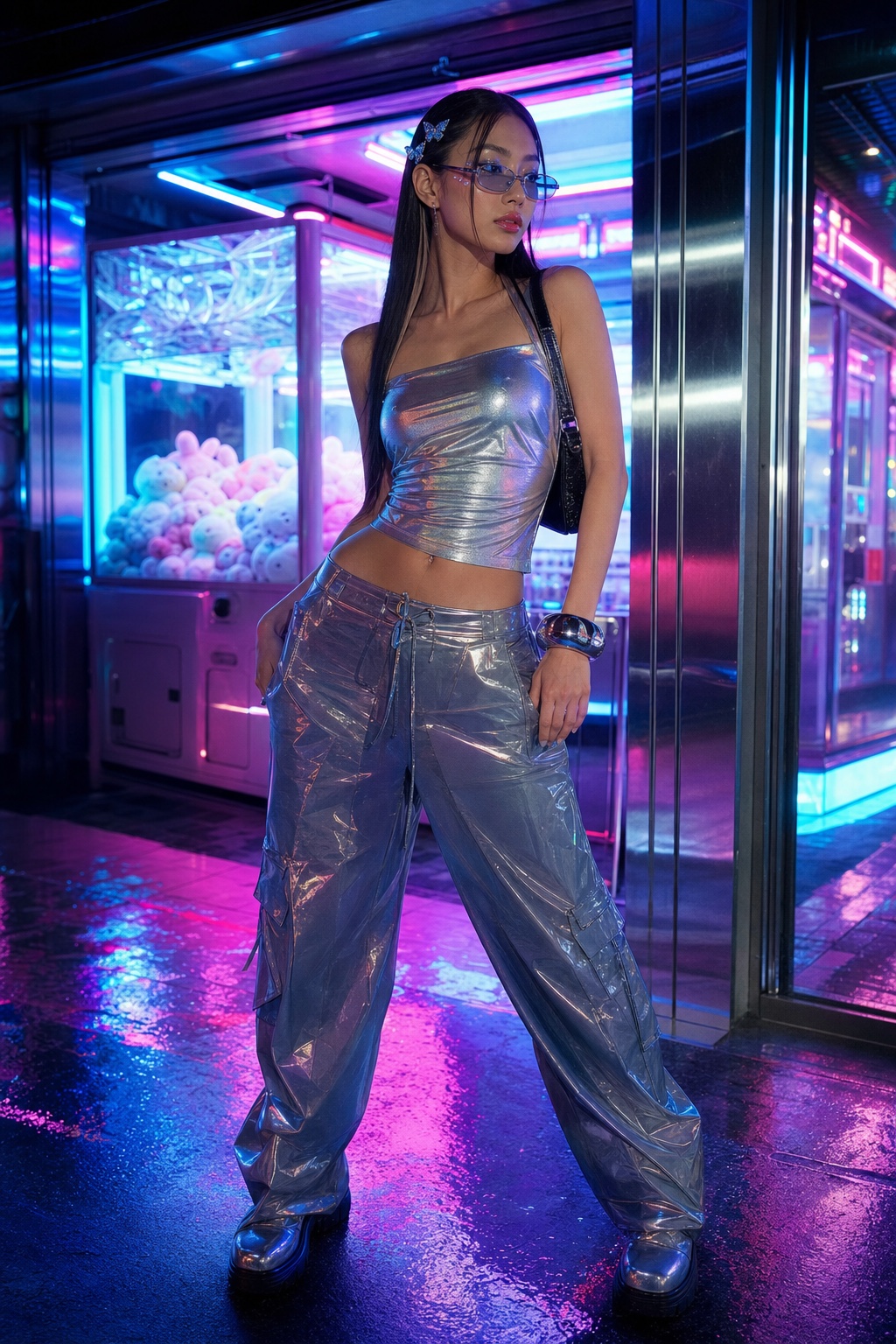
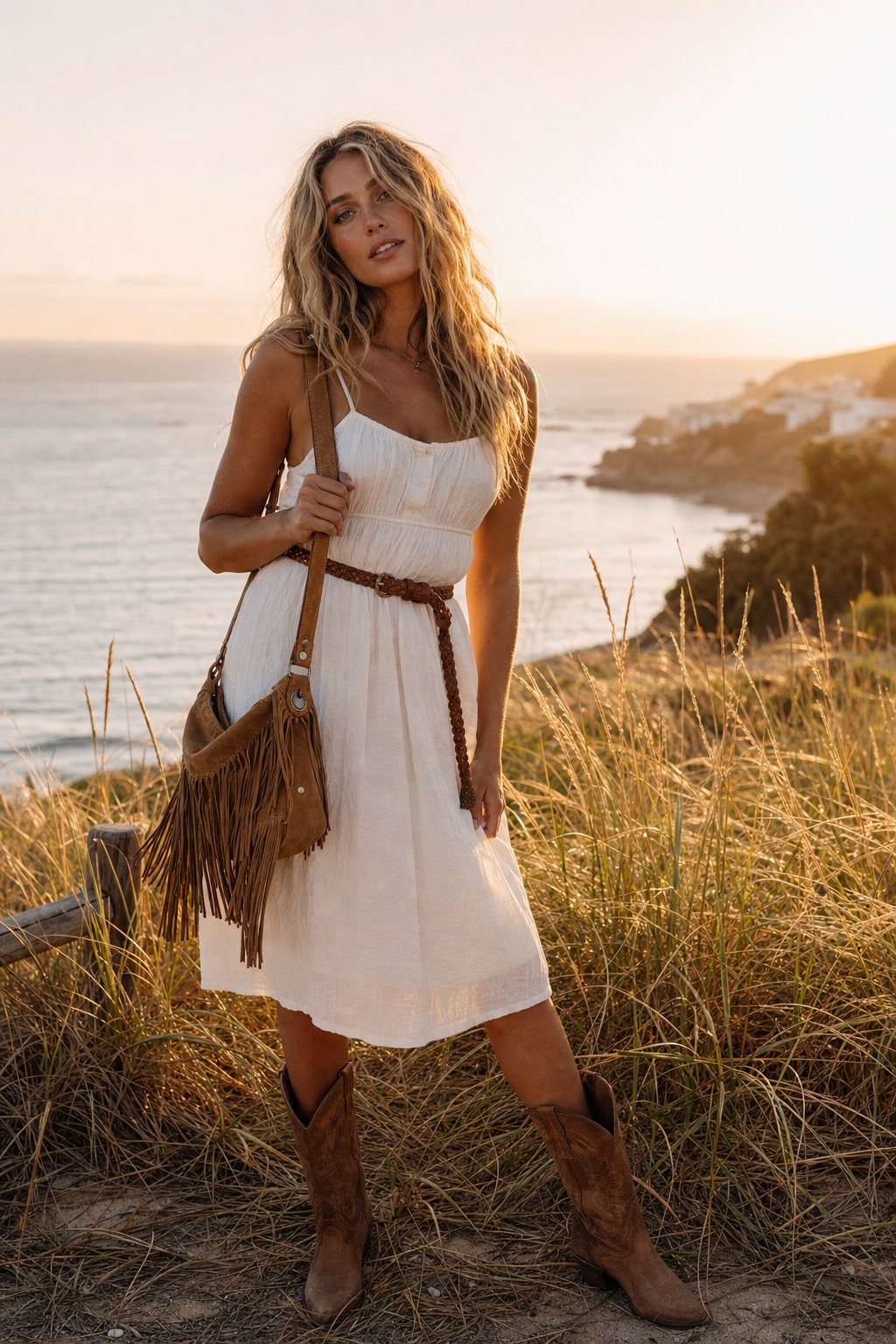
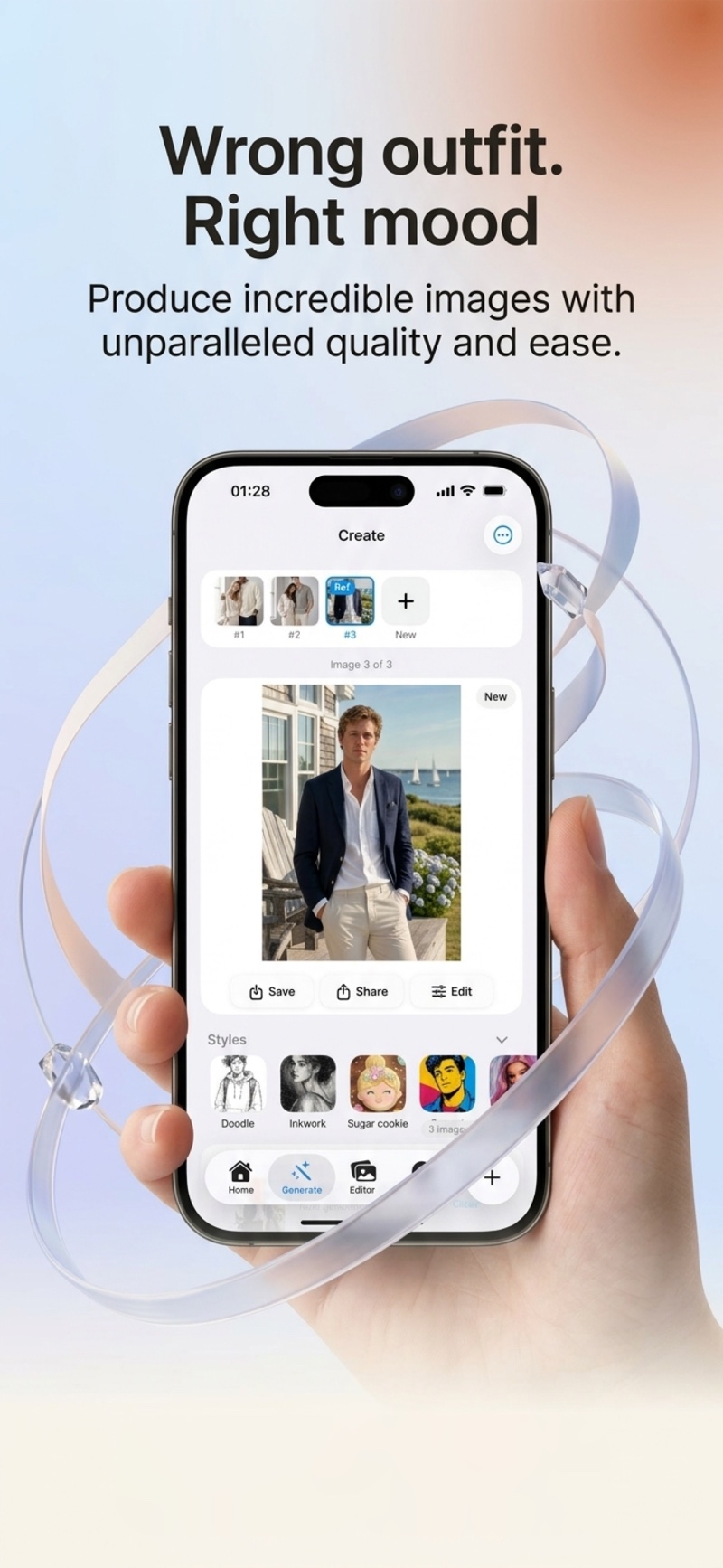
Style Me
Try an outfit change, a fresh look, or a different aesthetic.

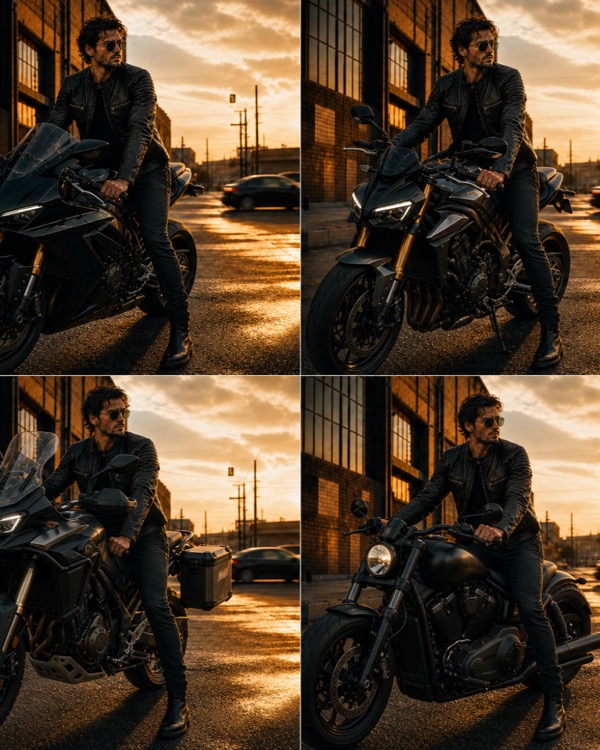

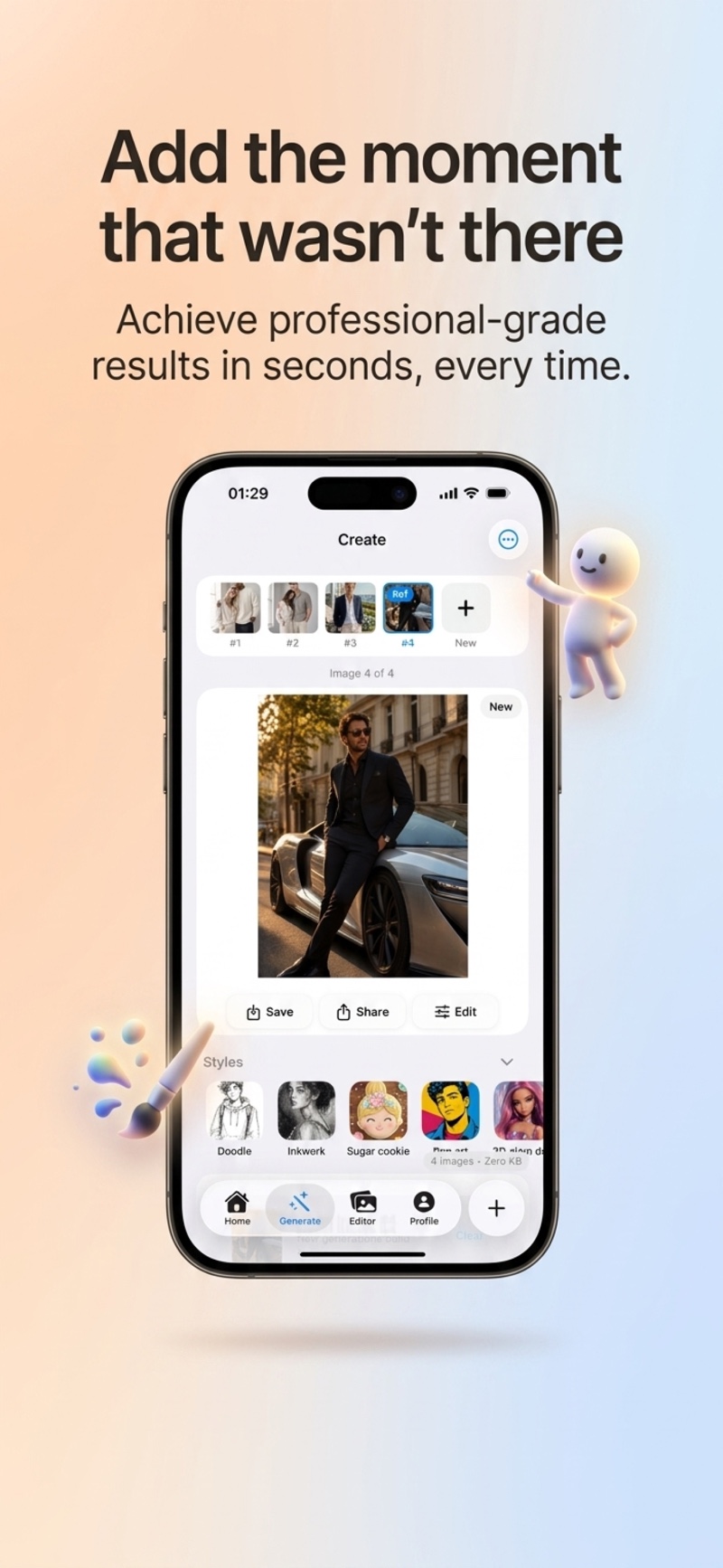
Step into a scene
A rooftop, a beach, a city at sunset — choose a new backdrop for your idea.
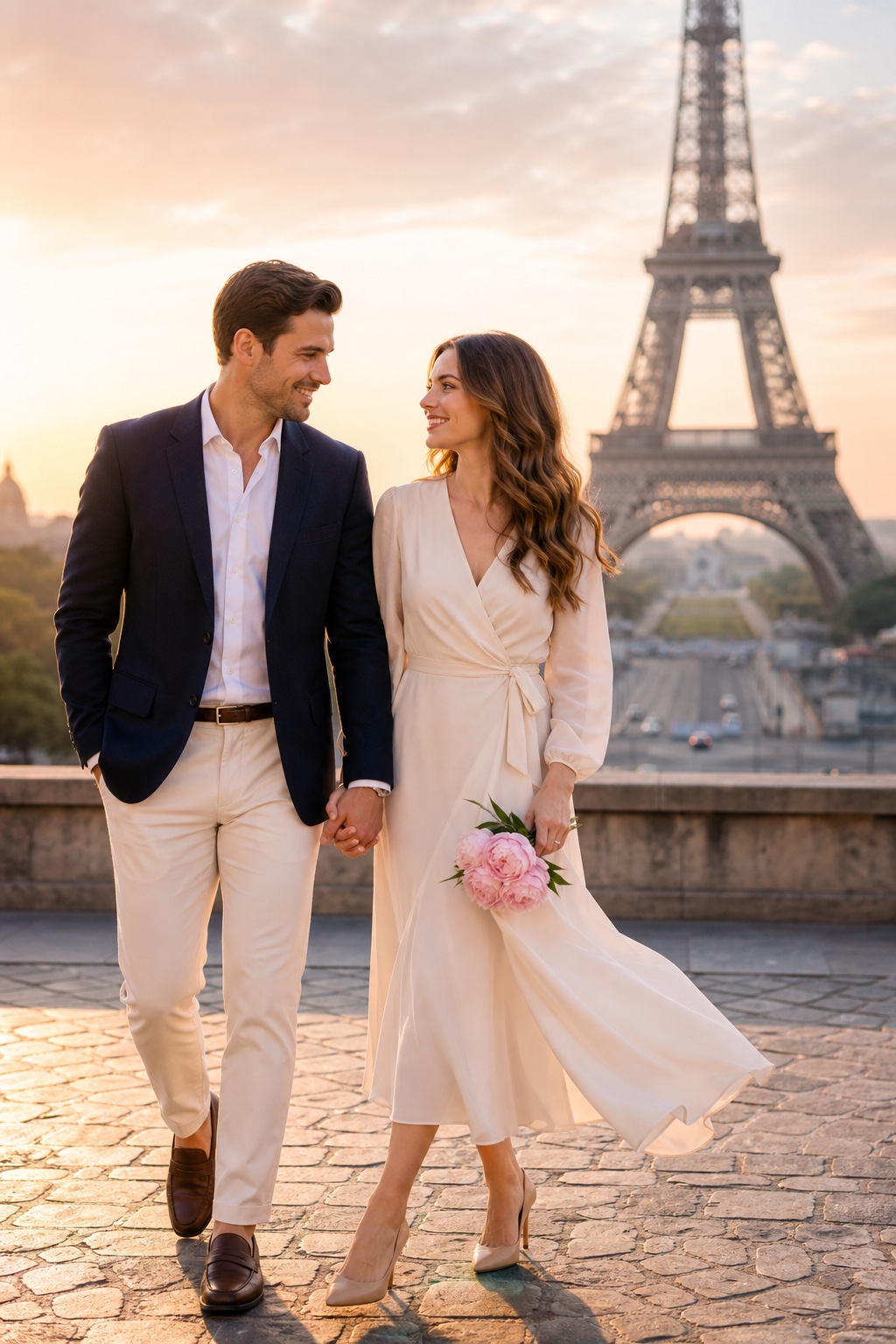
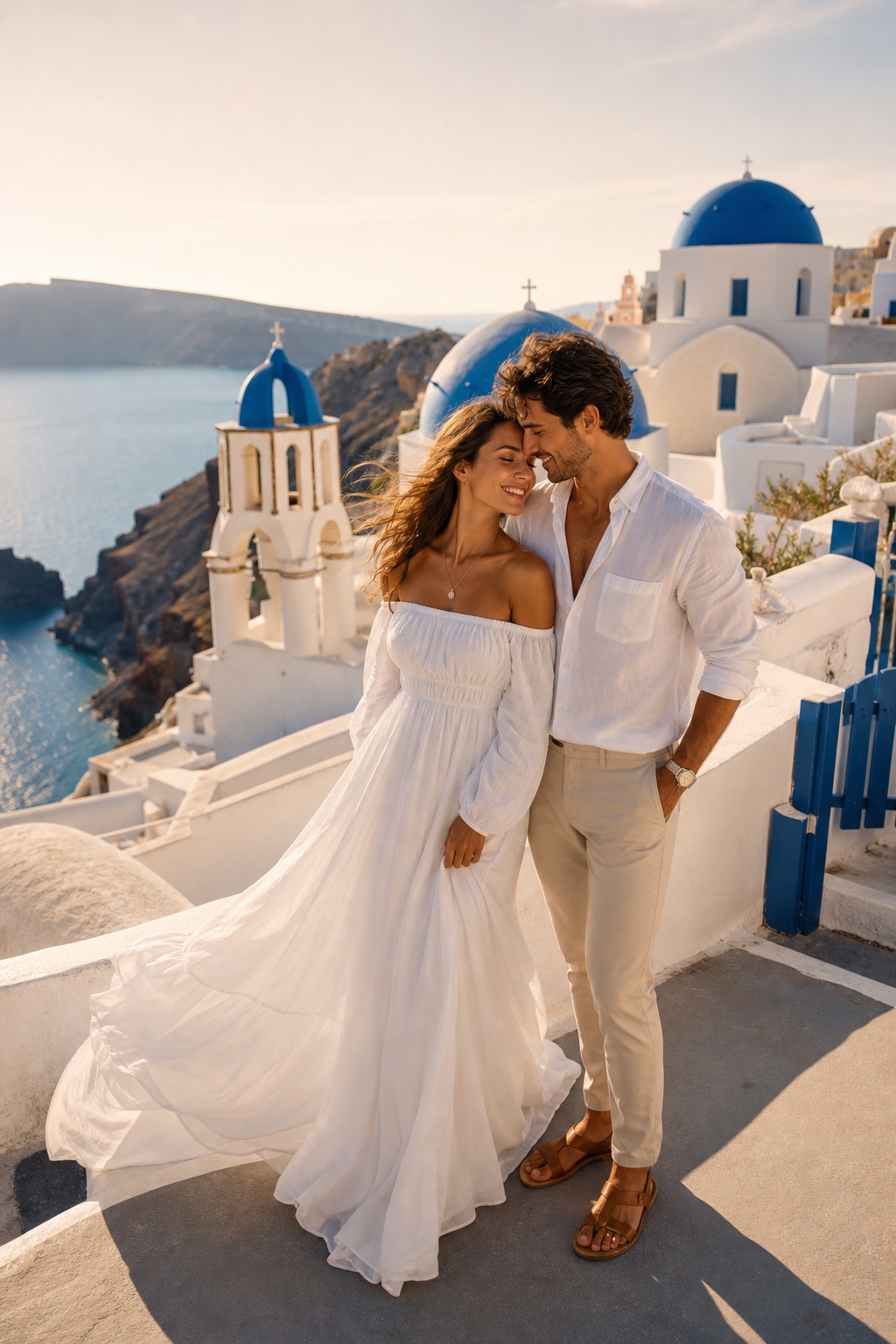
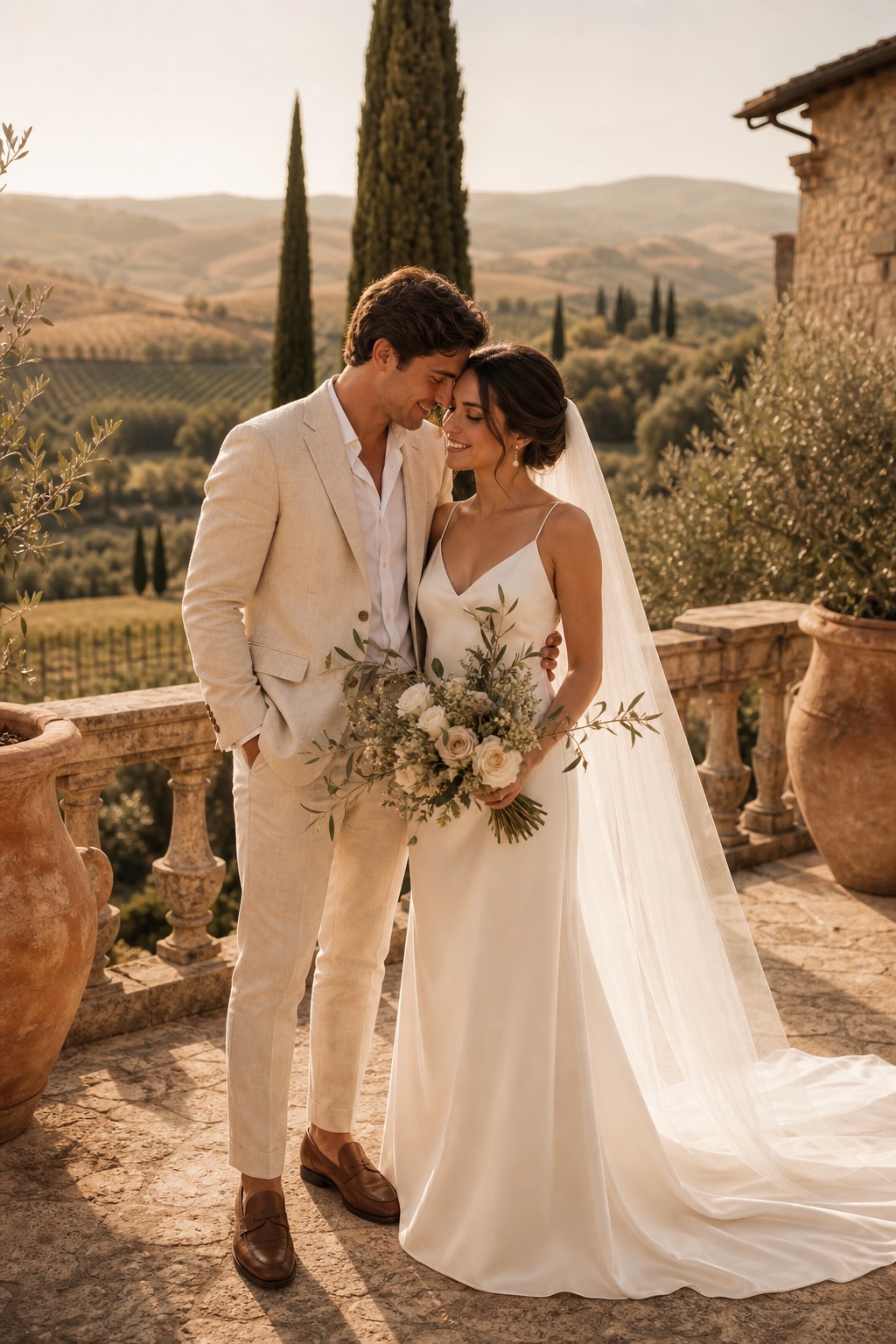
Couples & matching looks
Bring two photos into a shared creative scene, with permission from the people pictured.
Find a different look,
then make it yours
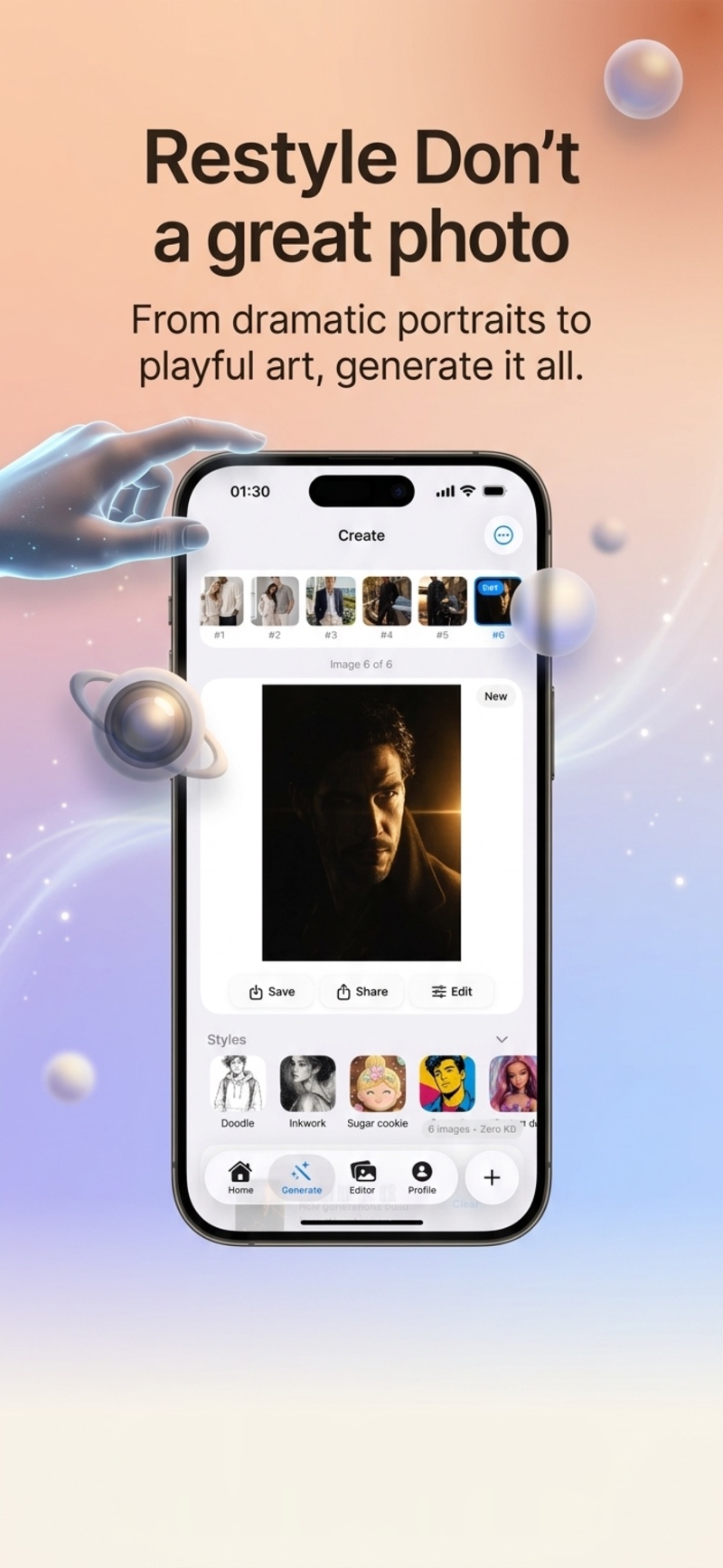
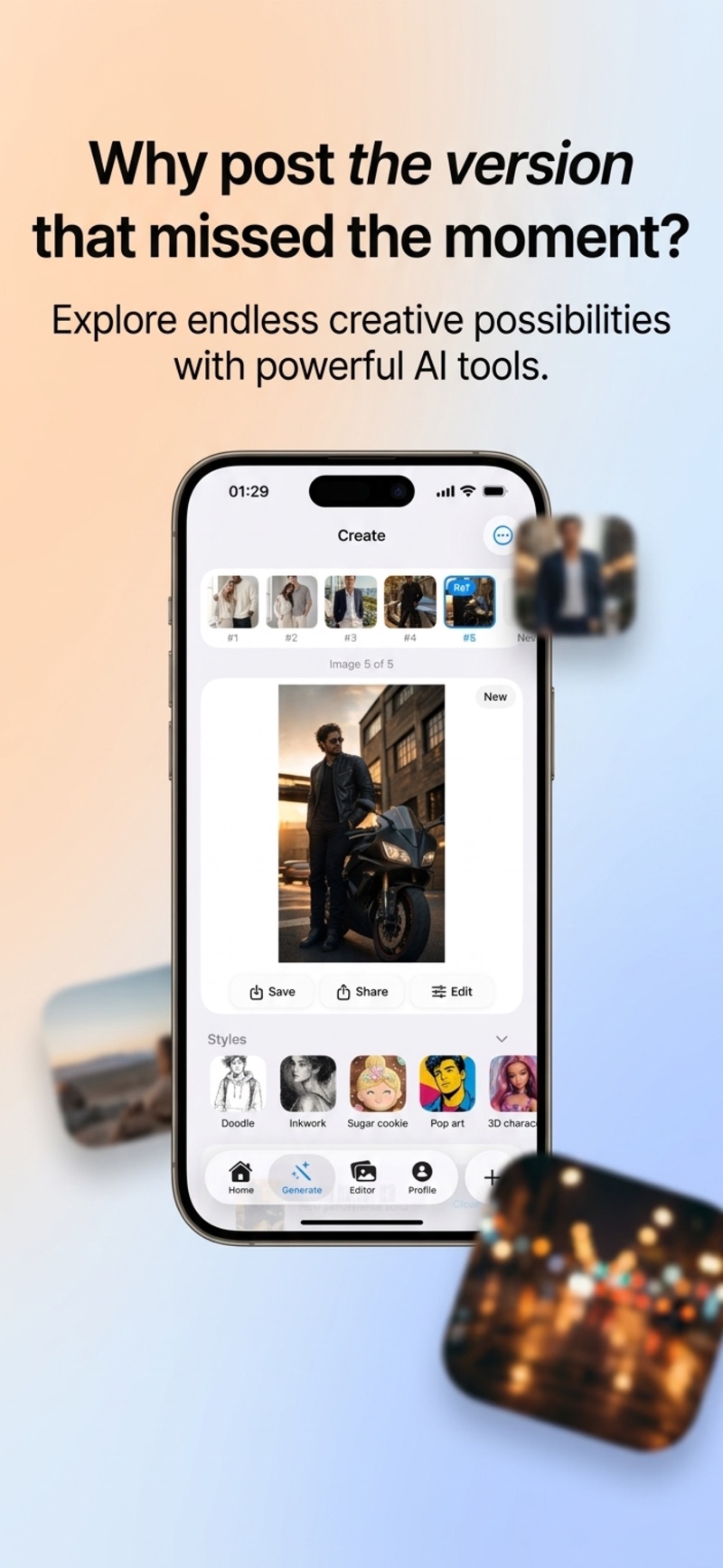
From retro anime to a Riviera-inspired aesthetic — find a look that feels like you.
 3D Glam Doll
  Retro Anime
 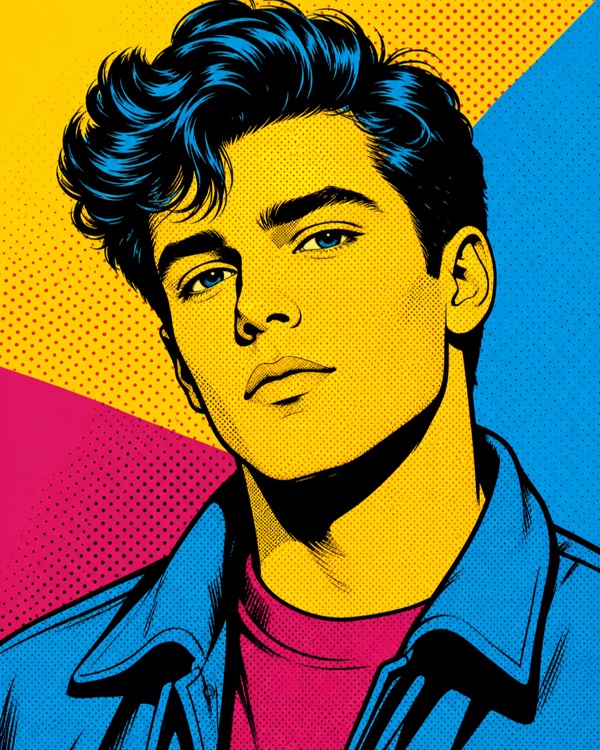 Pop Art
  Inkwork
 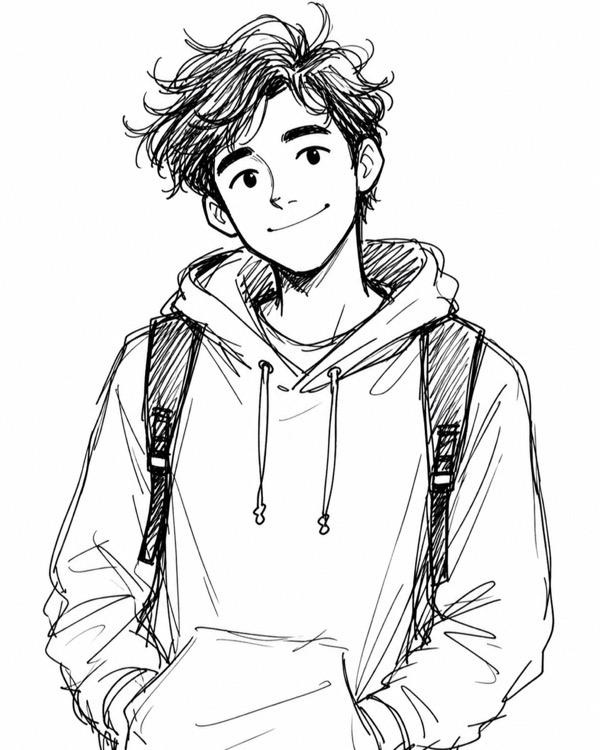 Doodle
  Sugar Cookie
 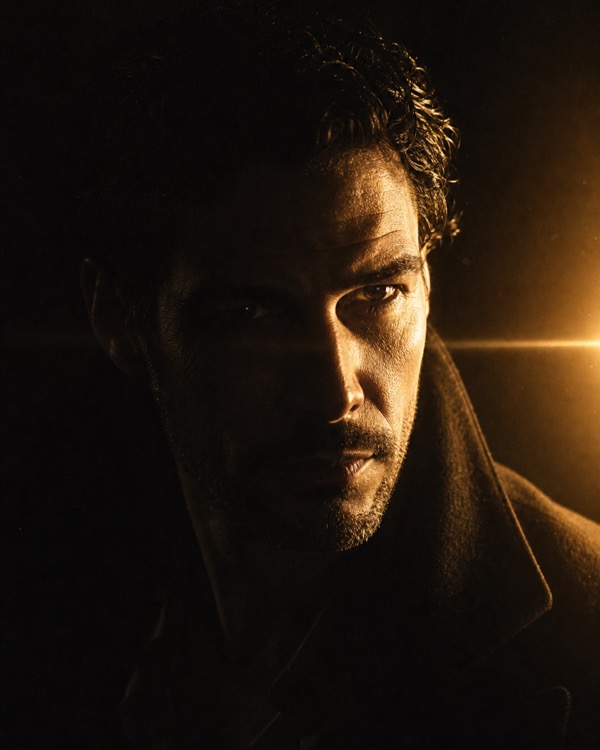 Dramatic
 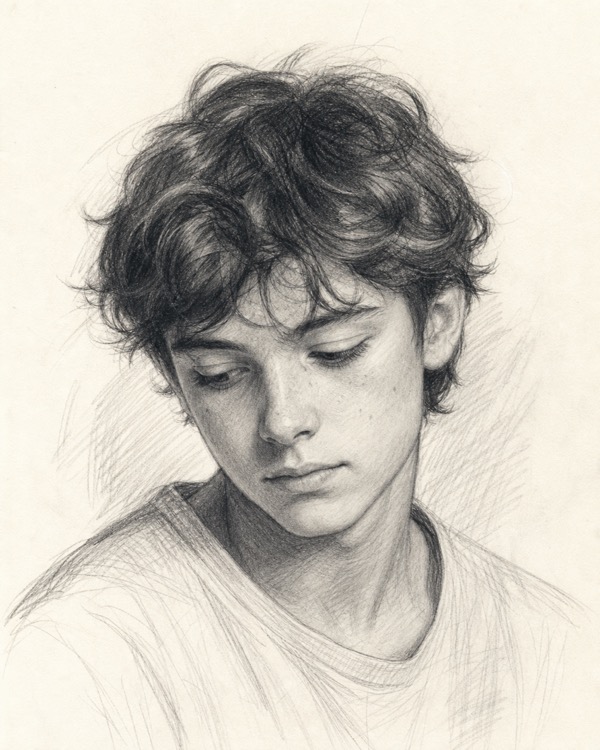 Sketch 3D Glam Doll Retro Anime Pop Art Inkwork Doodle Sugar Cookie Dramatic Sketch
 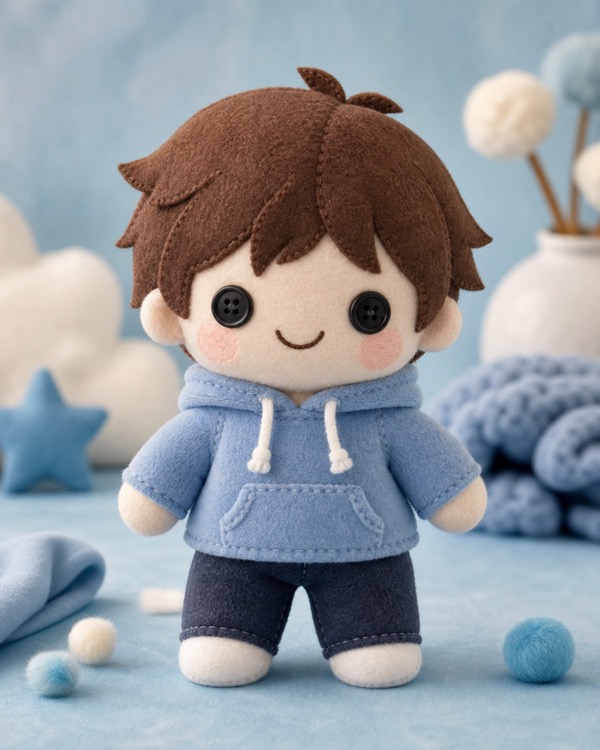 Plushie
  Bobblehead
  Hamptons
 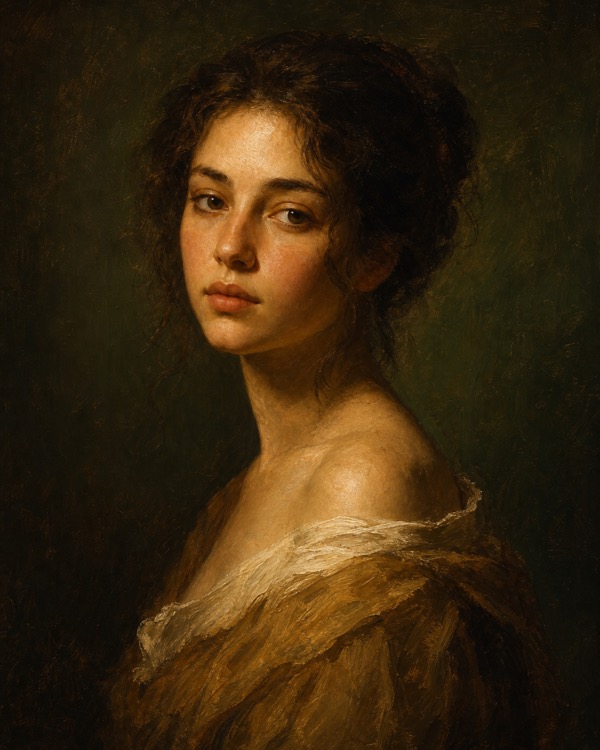 Art School
  Holiday Portrait
 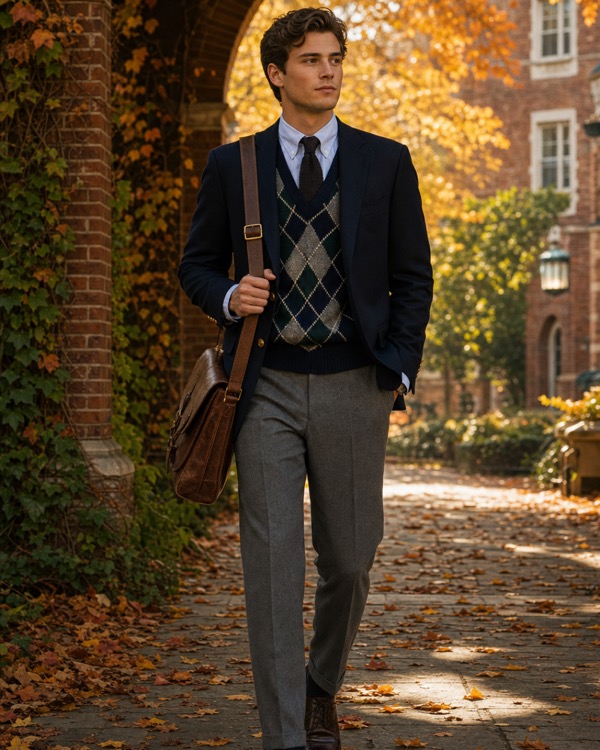 Ivy League
  Equestrian
  Riviera Plushie Bobblehead Hamptons Art School Holiday Portrait Ivy League Equestrian Riviera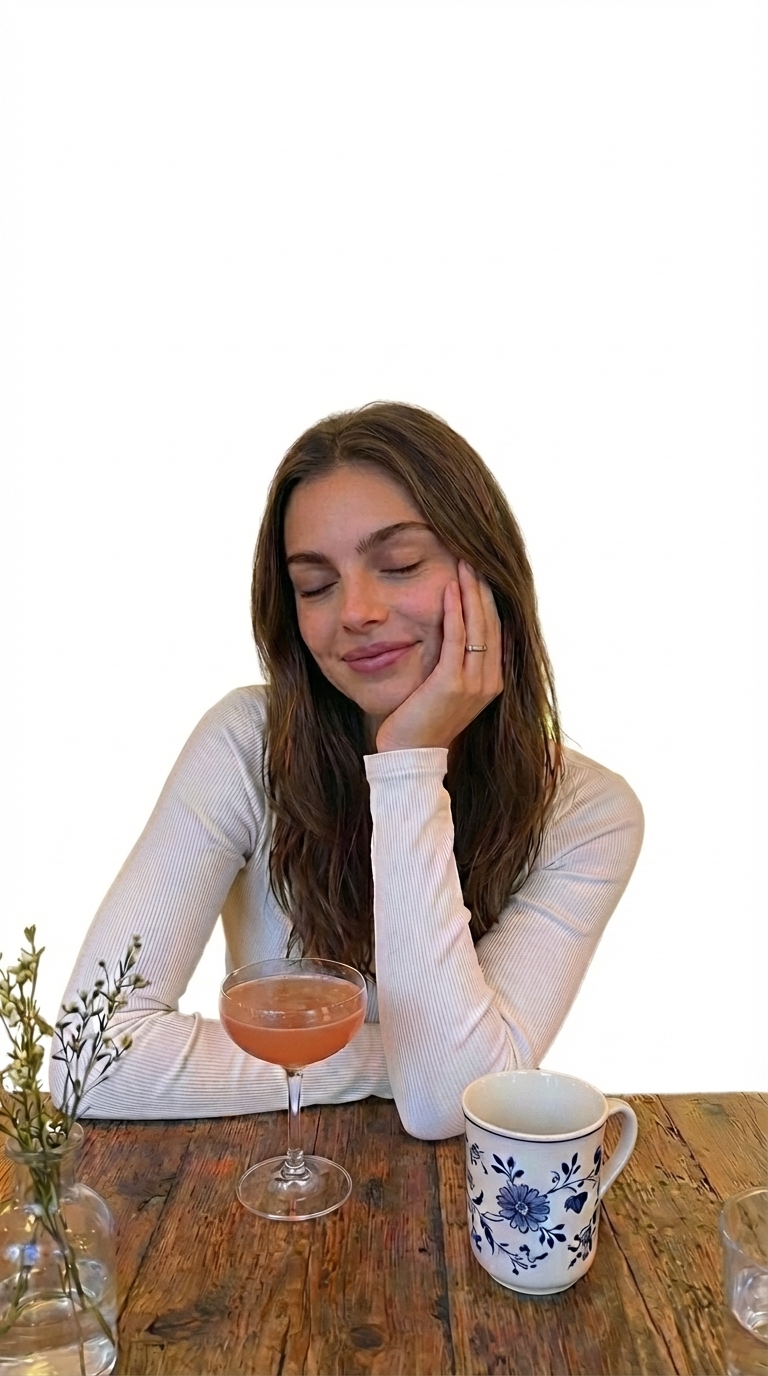
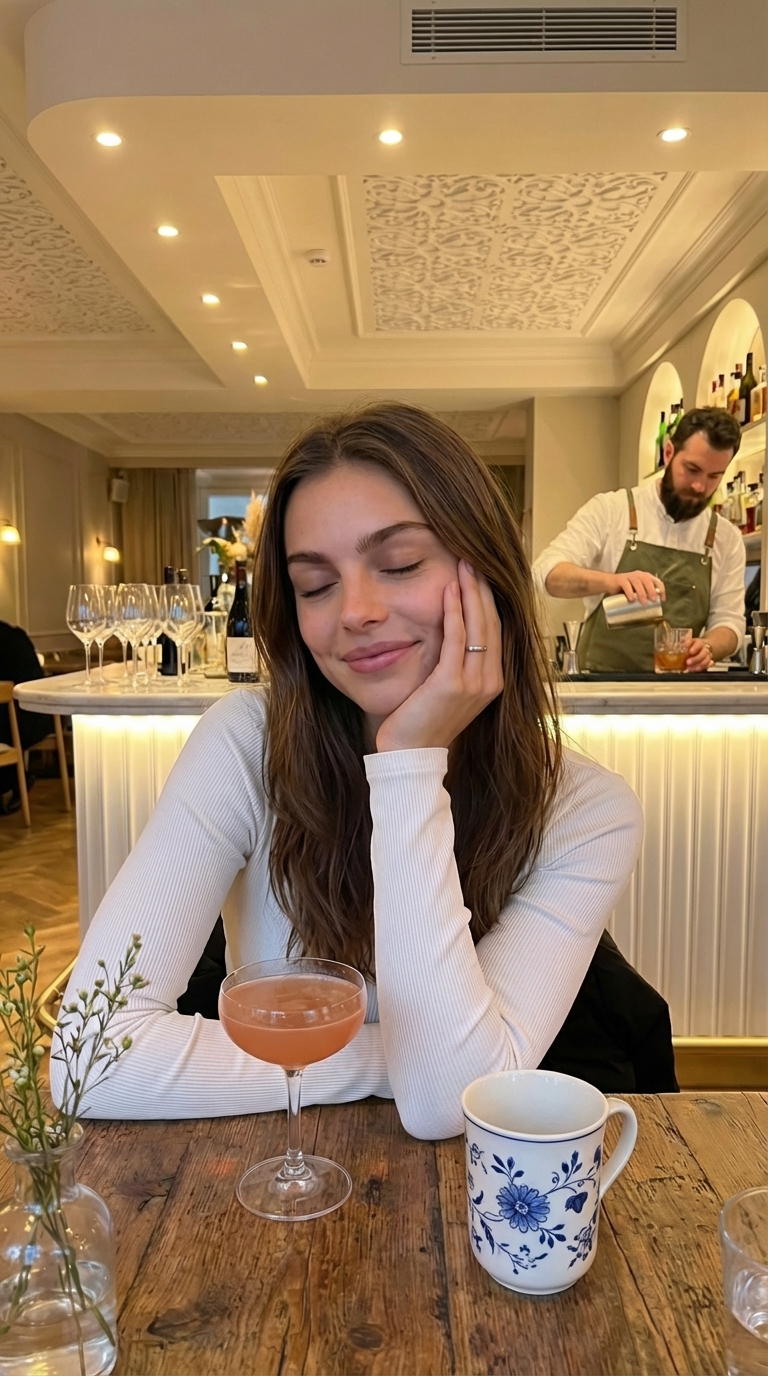
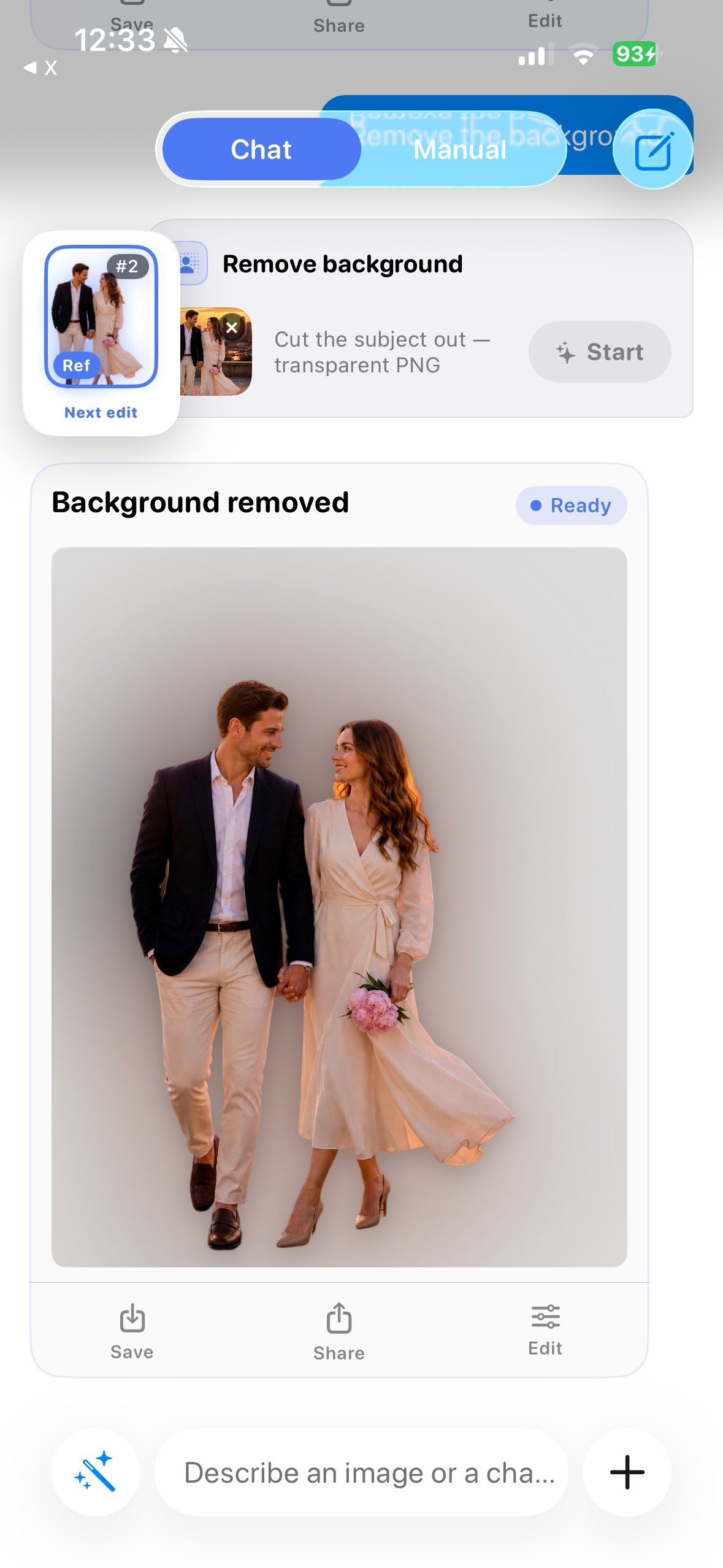
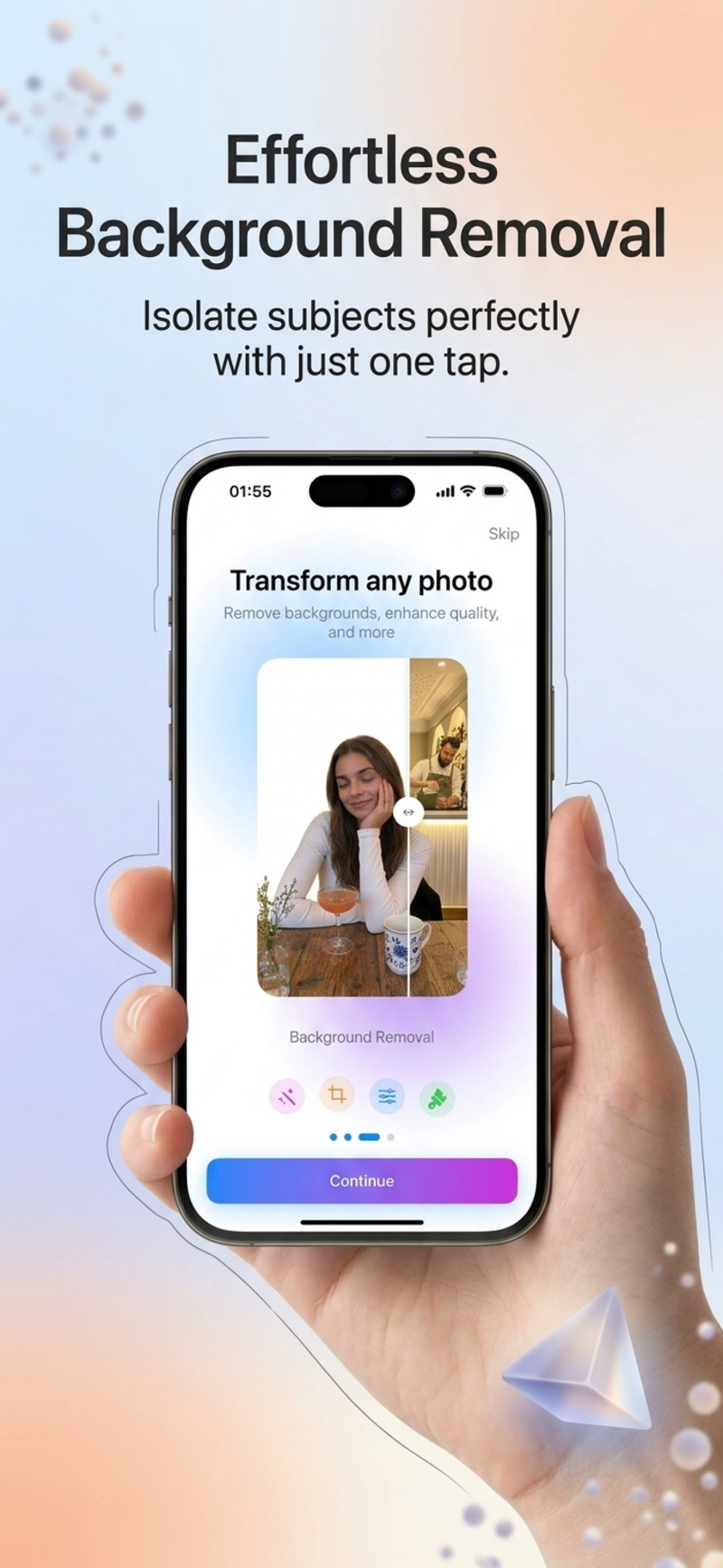
Remove the background.
Keep the focus.
Create a cutout for a new composition. Compare edges and fine details before saving.
More ways to edit,
all in one place
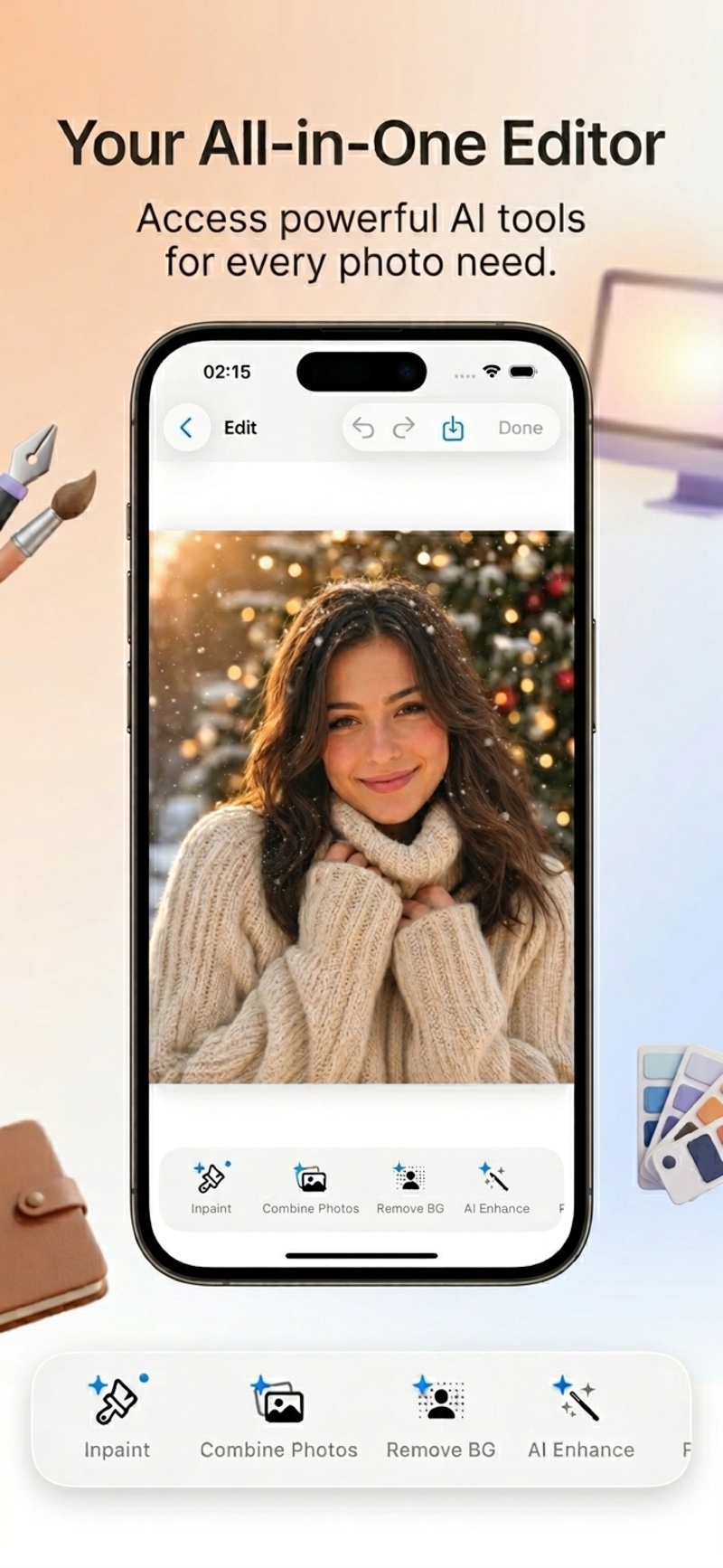
Change a detail, enhance a photo, or refine a portrait.
Inpaint
Select an area and describe a change — remove an object, replace an element, or add a detail.
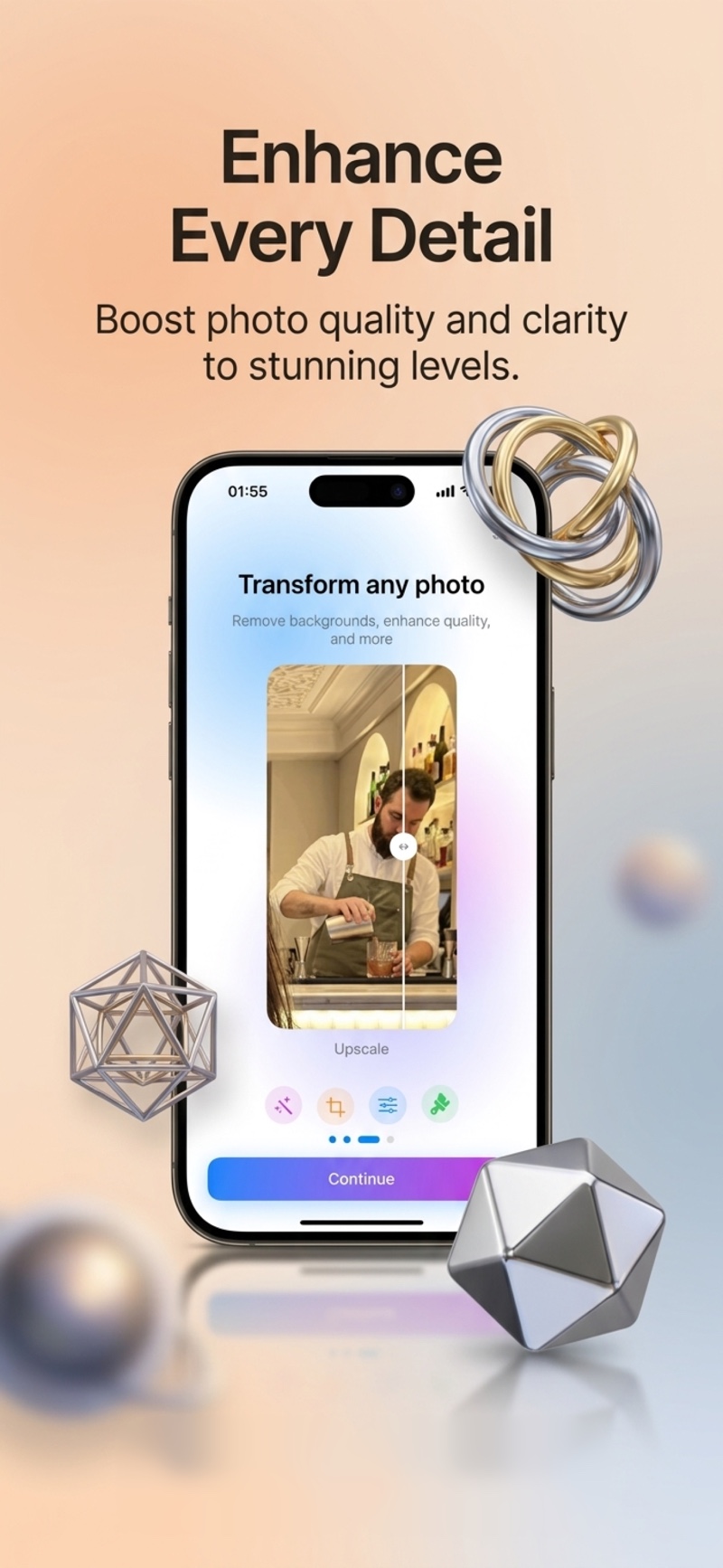
AI Enhance
Explore sharpening and enhancement for a clearer-looking photo.
Retouch
Refine a portrait with smoothing and subtle detail adjustments.
Everything in
one place
Explore Lumia’s photo tools, creative looks and editing workflow.
Create in
three steps
Choose your photo
Start with a selfie, a couple shot, or another photo you have permission to edit.
Pick a style or just chat
Choose a creative direction or describe the change you want.
Make it yours, then save
Compare the result with your original, check the details and save a version you like.
Create your next
look today.
Explore Lumia on iPhone. See the App Store for current pricing and availability.