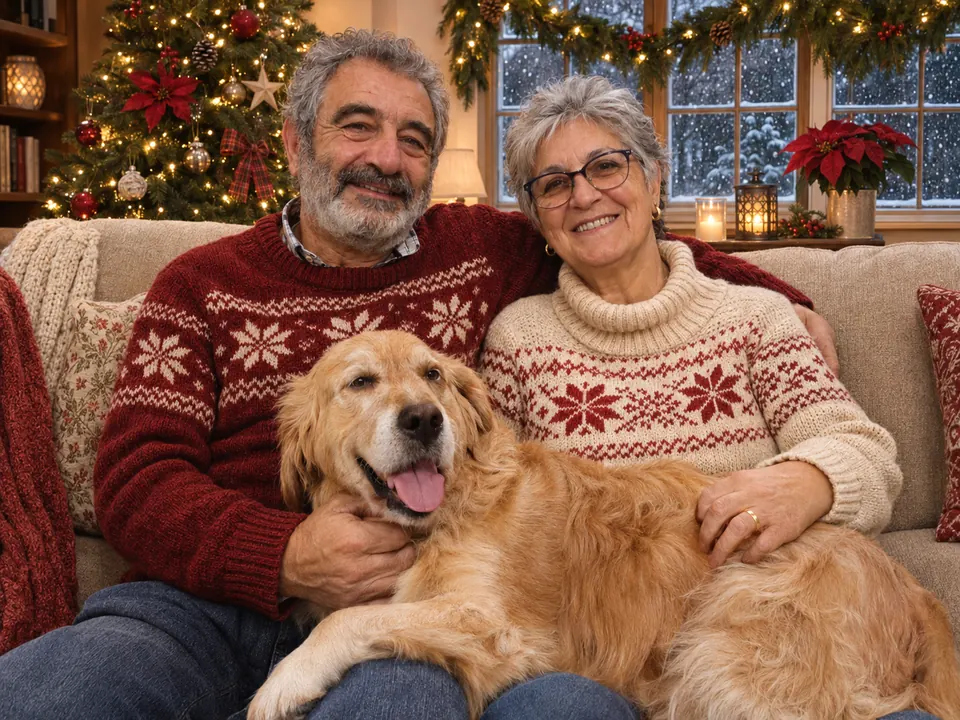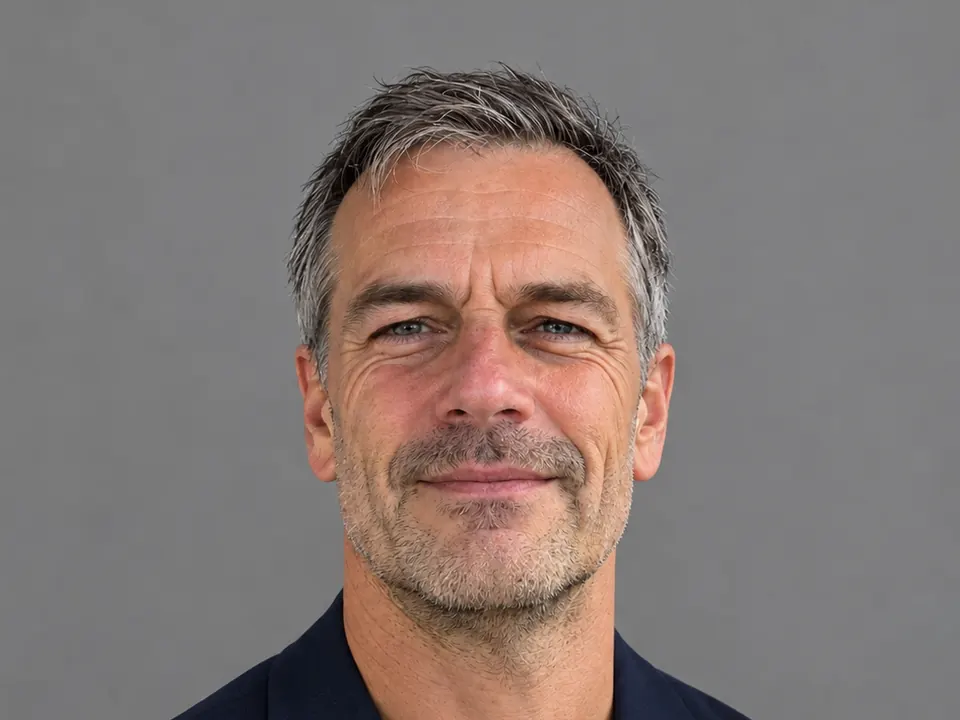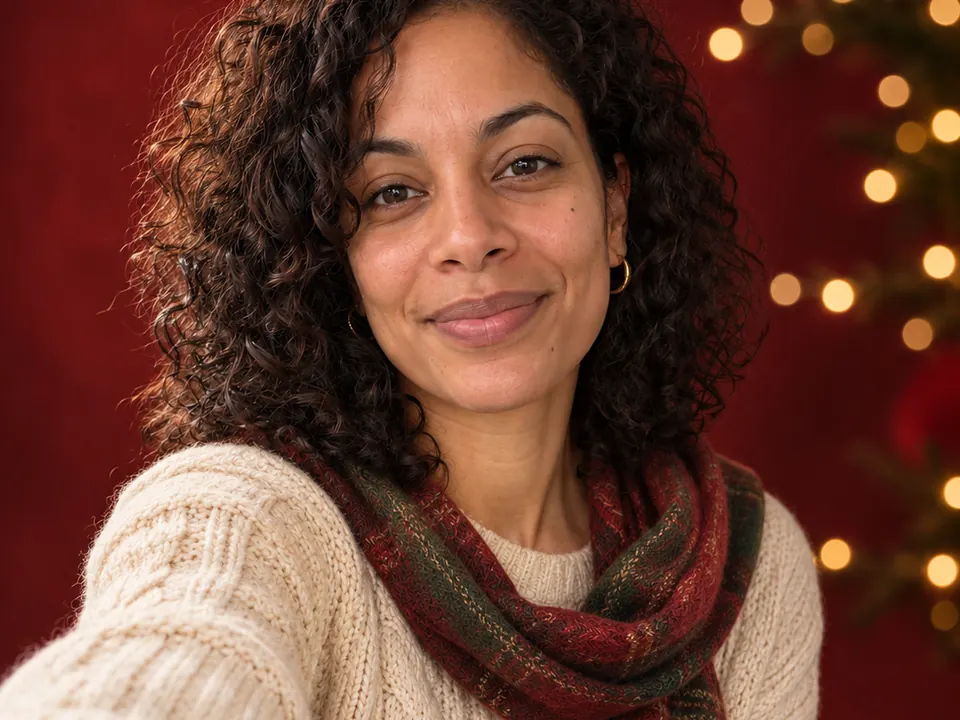
AI changes your face when it has to guess: a blurry, dark or half-hidden face gives it too little to copy, and a request that changes five things at once lets it redraw too much. Start from a sharp, front-lit photo, ask for one change per message, and name what must stay the same.
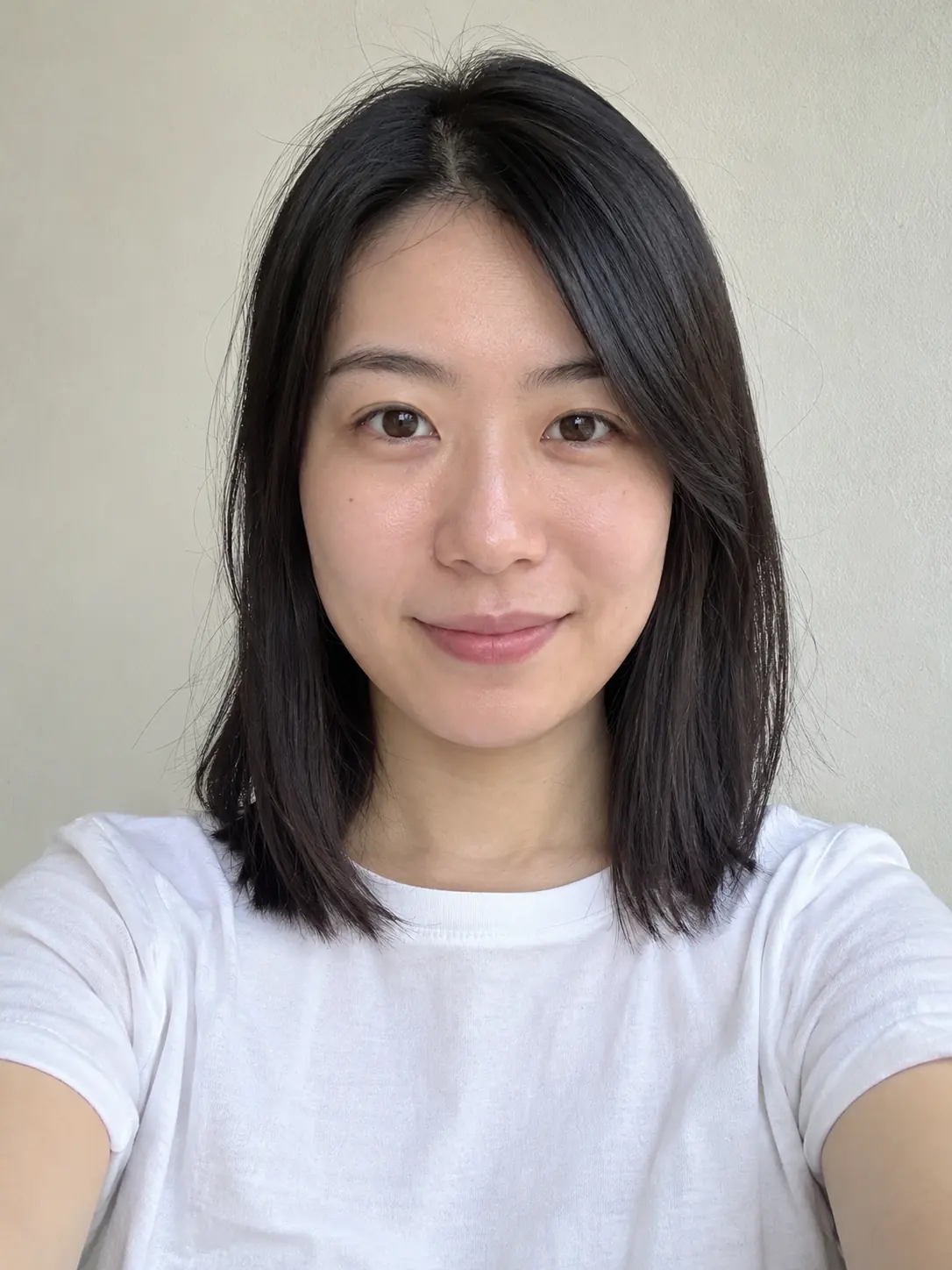
What you need
An AI image tool does not paste a new background behind you. It redraws the whole picture, keeps what it can see clearly and guesses the rest, and a guessed face looks like a stranger’s. So give it as little to guess as you can:
- A sharp photo. Zoom in on your eyes: if you cannot see the lashes and the edge of the iris, the AI cannot either.
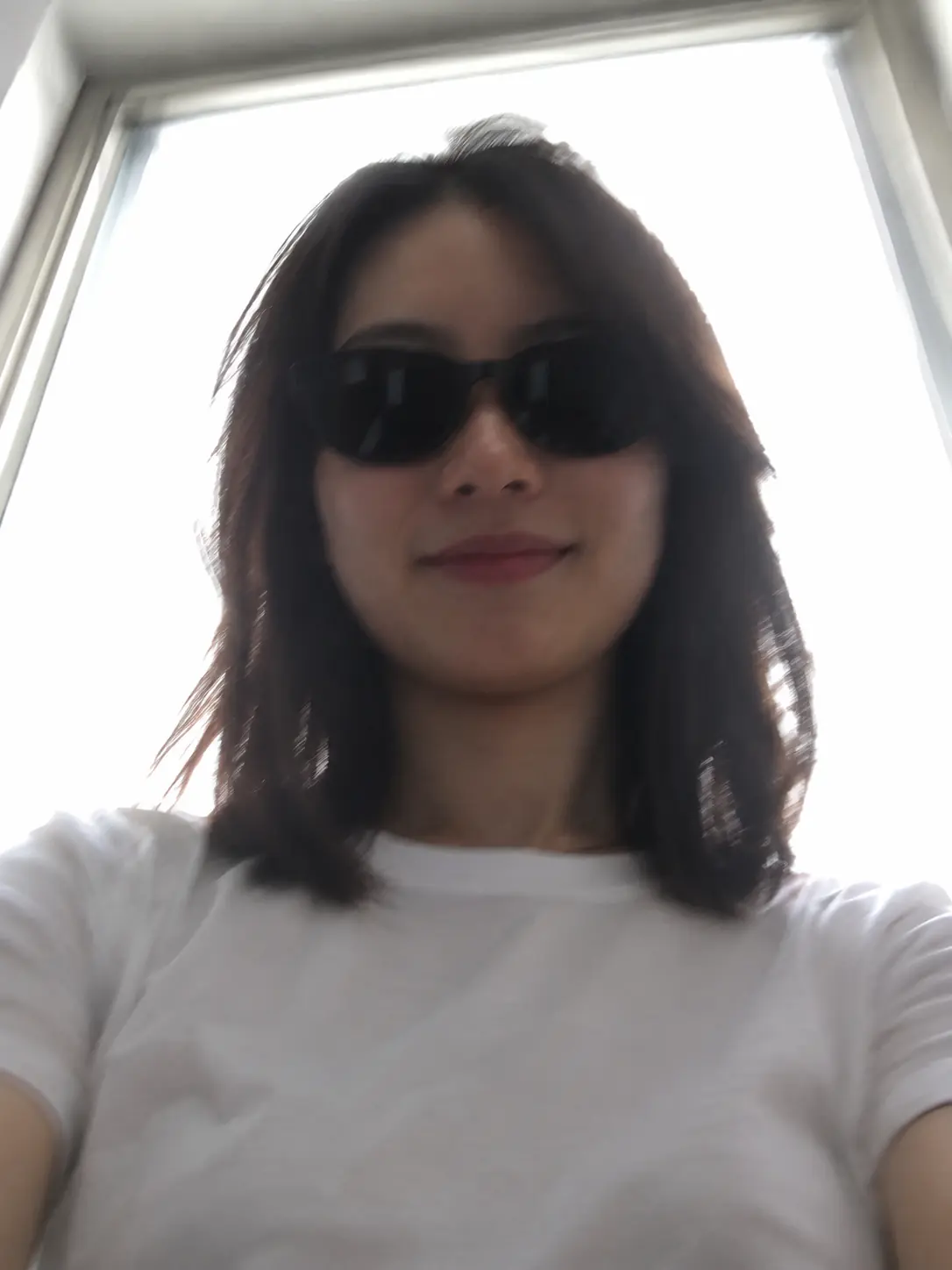
- Light on the front of your face, such as a window in front of you or open shade outside. Avoid a bright window or the sun behind you.
- Your whole face visible: no sunglasses, no hand or hair across it, both eyes and your mouth in view.
- The camera at about eye level, not far below your chin.
- One main person in the frame.
- Your own photo, or a photo of someone who agreed to be edited.
How to do it in Lumia
- Pick your clearest photo. If it is only a little soft, run AI Enhance on it first. Its Local mode is free; the cloud mode uses credits.
- Open the chat and sign in if asked. You will see “What should we create?” Attach your photo.
- Describe one change, then name what must stay the same. Use the requests below as a starting point.
- Compare the result with your original, looking at the eyes, nose, mouth and jawline first. If it still looks like you, tap Save. If not, send a follow-up message instead of starting a long new request.
- For skin clean-up, try the Retouch tool rather than asking the chat to “make my skin perfect”. Retouch needs one clear, mostly front-facing face with both eyes and the mouth visible.
Requests that keep your face
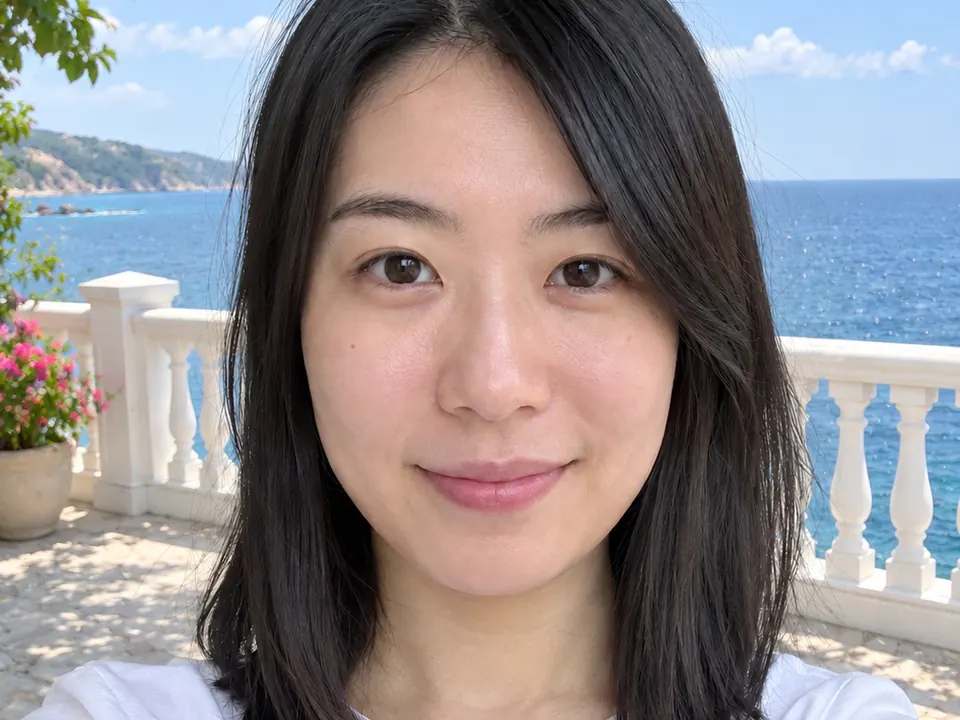
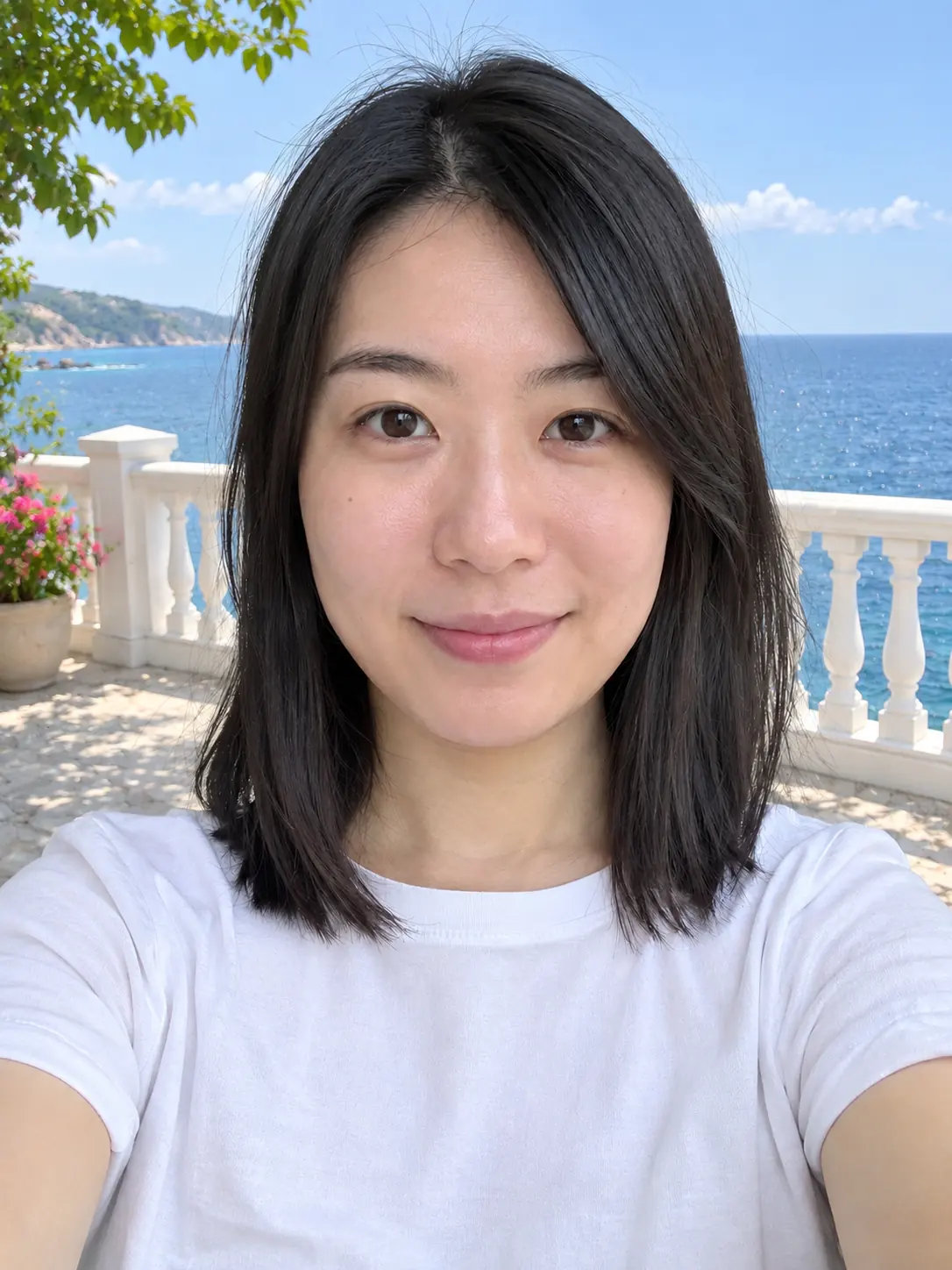
The request matters as much as the photo. Every extra change gives the AI more room to redraw, and your face tends to get redrawn along with everything else. A request that keeps your face has four parts: the action, what changes, the look you want, and what must stay the same. For example: put me (action) on a seaside terrace (what changes) in bright afternoon sun (the look), and keep my face, hair and expression exactly the same (what stays).
Put me on a sunny seaside terrace in the afternoon. Change only the background. Keep my face, hair, expression and clothes exactly the same.
Compare that with a request that bundles everything into one message: “Give me platinum hair, full glam makeup and flawless skin, and put me in a neon nightclub.” Each of those is a fair wish. Asked all at once, they add up to a different person.
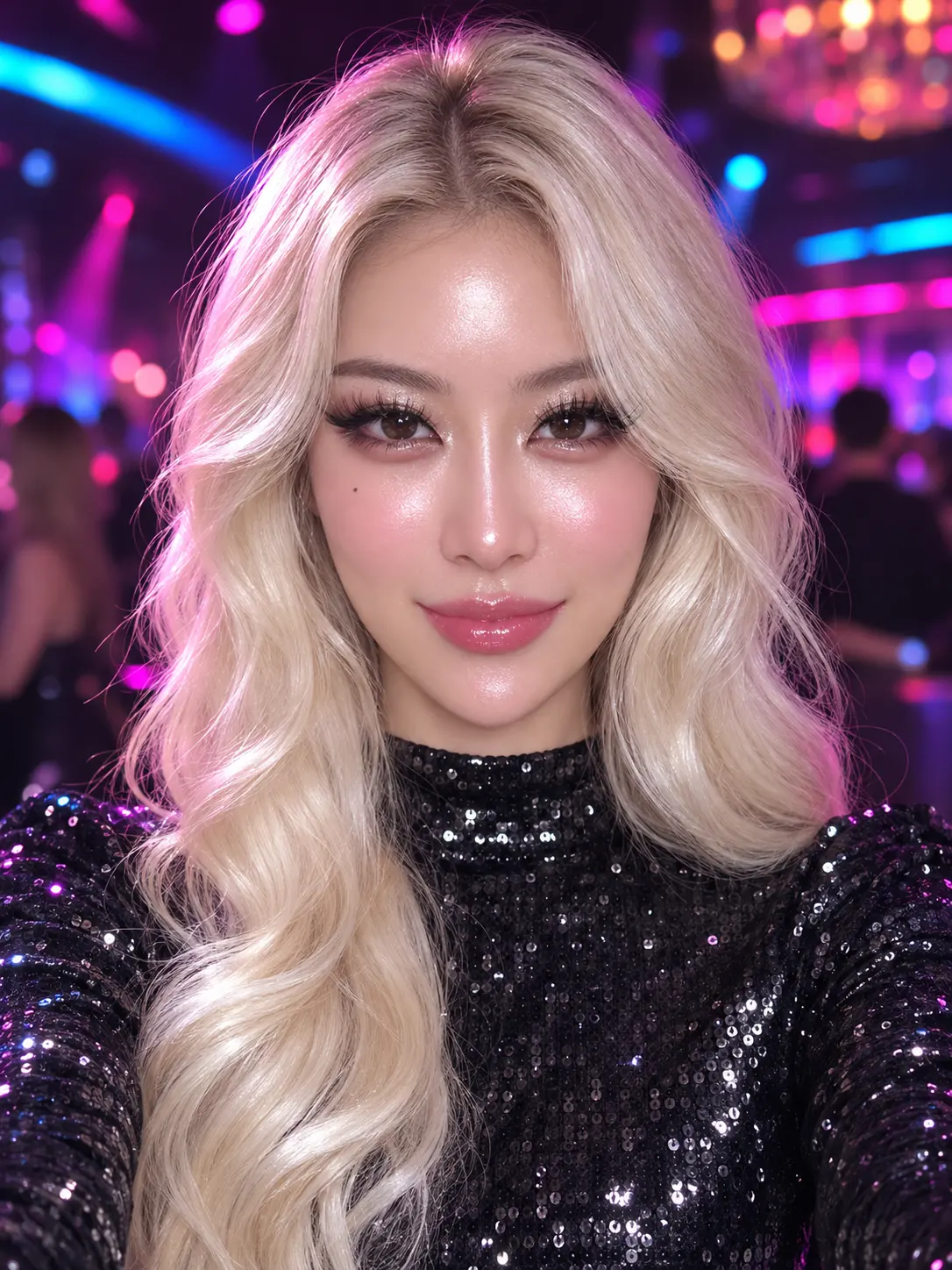
If you want the bigger look, build it in steps. These requests each change one thing:
Make my hair platinum blonde. Keep my face, skin, makeup and background exactly the same.
Make the light warmer, like late afternoon sun. Keep my face, skin texture and expression exactly the same.
Change my top to a plain white linen shirt. Keep my face, hair, expression and background exactly the same.
Refine it
Send one short follow-up at a time, about what you see:
My eyes look bigger than in my photo. Make them match the original and change nothing else.
Bring back the natural texture of my skin. Keep the new background as it is.
That smile is not mine. Use the expression from my original photo.
If a result has drifted after a few rounds, go back to your original photo and start a fresh request rather than fixing the copy of a copy. Your earlier results stay in History.
Limits to know
- Results in Lumia vary from one try to the next, even with the same photo and words.
- Whatever the camera did not see, such as eyes behind sunglasses, has to be invented. No request brings back the real detail.
- A chat request takes at most two photos: the one you edit and one reference.
Before you share
France’s data-protection authority, the CNIL, reminds people that in France, sharing a montage made with someone’s image without their consent, even privately, can be a criminal offence.
FAQ
Why does the AI make me look younger or smoother?
When the source is soft or dim, the AI fills the gaps with smooth, average skin. Start with a sharper photo and add “keep my skin texture” to your request.
Should I fix a changed face, or start again?
If one feature is off, a single follow-up message often fixes it. If the whole face looks different, start again from your original photo; fixing an already changed face usually drifts further.
Can AI Enhance rescue a blurry photo?
It can help a photo that is only a little soft. A heavily blurred or dark face is better replaced with a new photo.
Does Lumia cost anything?
Lumia is free to download for iOS 18 or later. AI tools use credits, on-device modes are free, and saving or sharing a result may ask for a subscription or a one-time unlock.