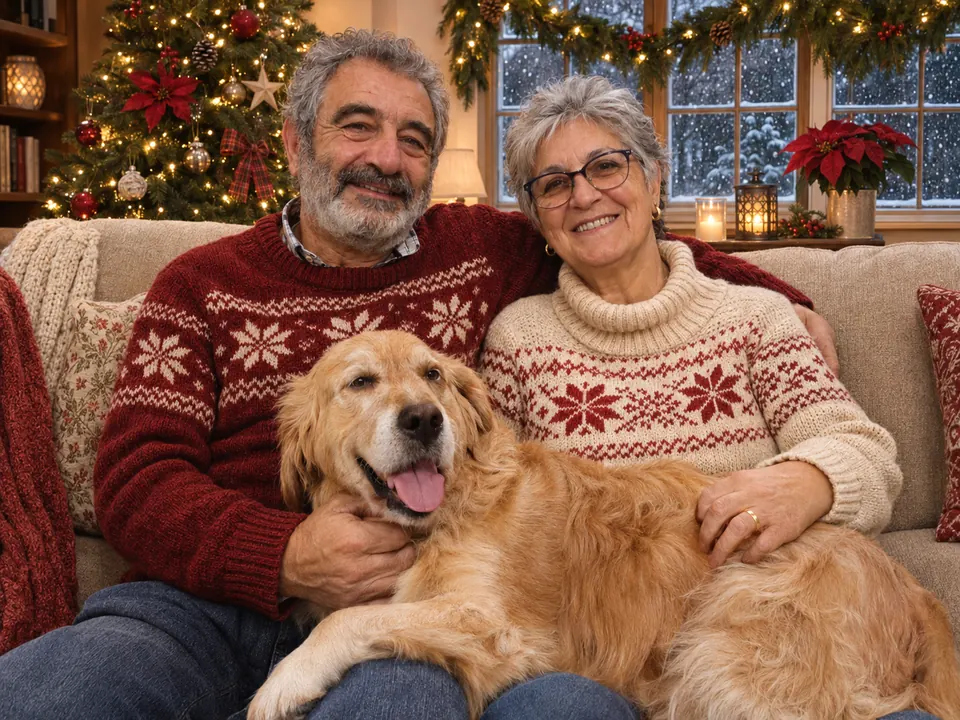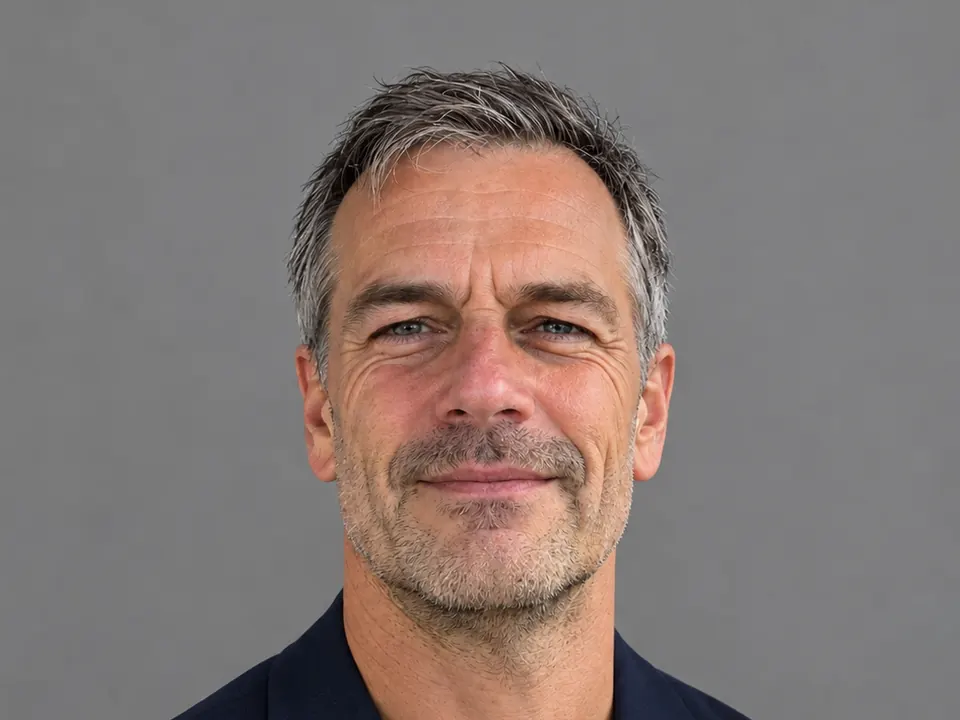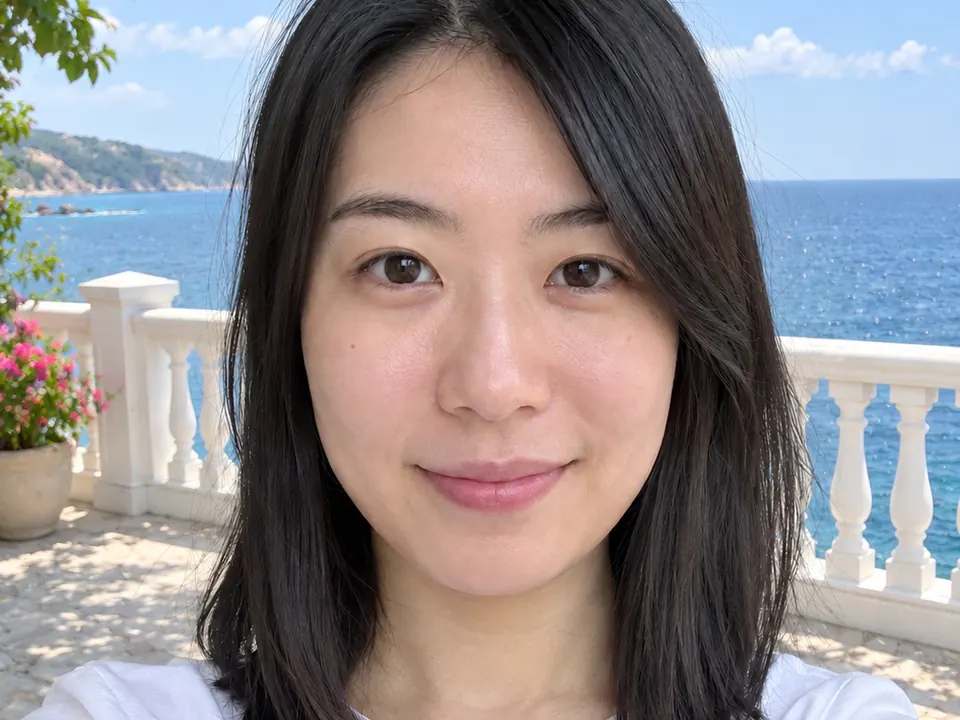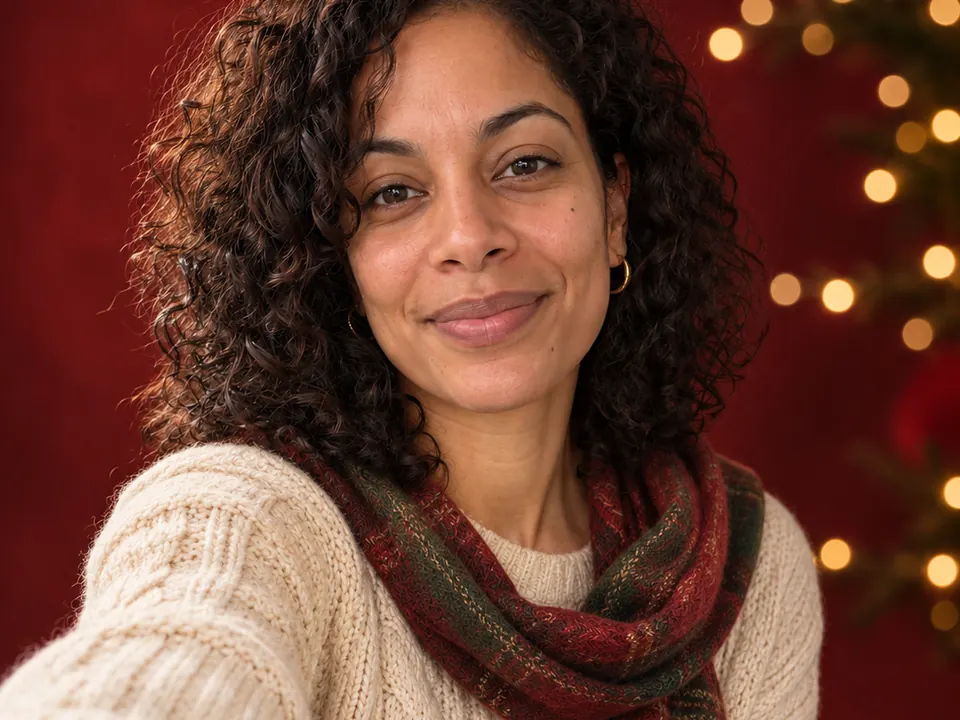
Start with one sharp, well-lit selfie, pick the Holiday portrait style in Lumia’s chat, and ask for the scene while telling it to keep your face, hair and expression exactly the same. That last sentence does most of the work: it tells the edit what to change and what to leave alone.
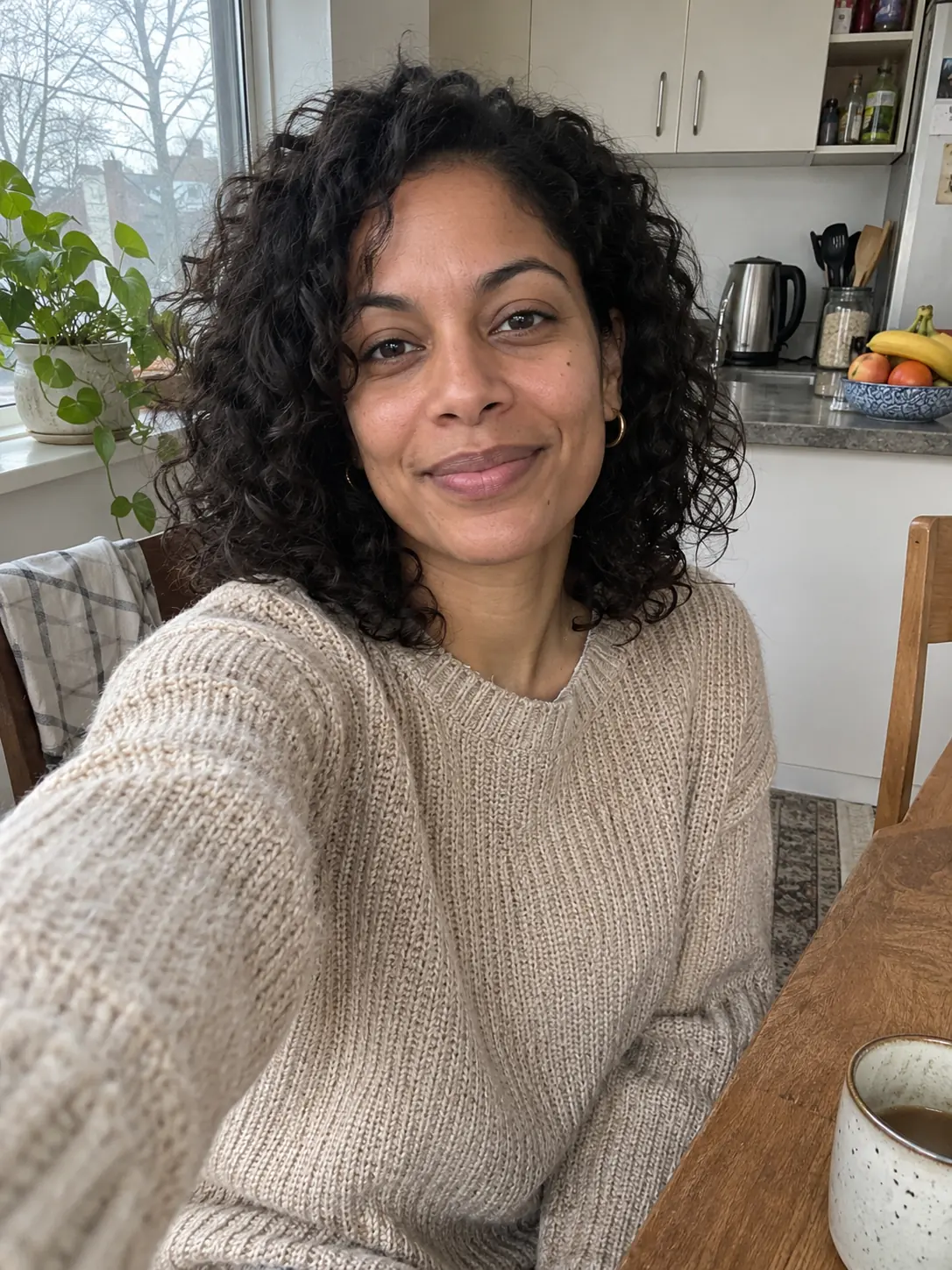
What you need
- One sharp photo. If you zoom in and your eyes look soft, the result will guess more.
- Light on your face from the front, such as a window in front of you. Strong shadows from the side can change how your face is read.
- Your whole face visible: no hand, hair, mask or phone covering part of it. Sunglasses off.
- One main person in the frame. A busy background is fine; it gets replaced.
- Your own photo, or a photo of someone who agreed to this.
Lumia is free to download from the App Store and needs iOS 18 or later. Chat needs you to sign in.
How to do it in Lumia
- Sharpen a soft selfie first (optional). If the photo is a little blurry or grainy, open it in the editor and run AI Enhance. Its Local mode is free and runs on your phone. Use the sharper version as your starting photo.
- Open Chat. The empty screen asks “What should we create?”. You can pick a style, pick a tool, or just describe what you want.
- Tap Holiday portrait in the Styles row, or attach your selfie yourself. If chat asks which photo to use, pick the selfie.
- Type a request that names what must stay the same. Use one of the requests below, or write your own with the same closing line.
- Check, then keep it. Look at the eyes, smile and hairline at full size. If it still looks like you, tap Save, or Share it straight away. Every result also stays in History.
Requests to copy
Every request below follows the same formula:
action + what changes + the look + what must stay the same.
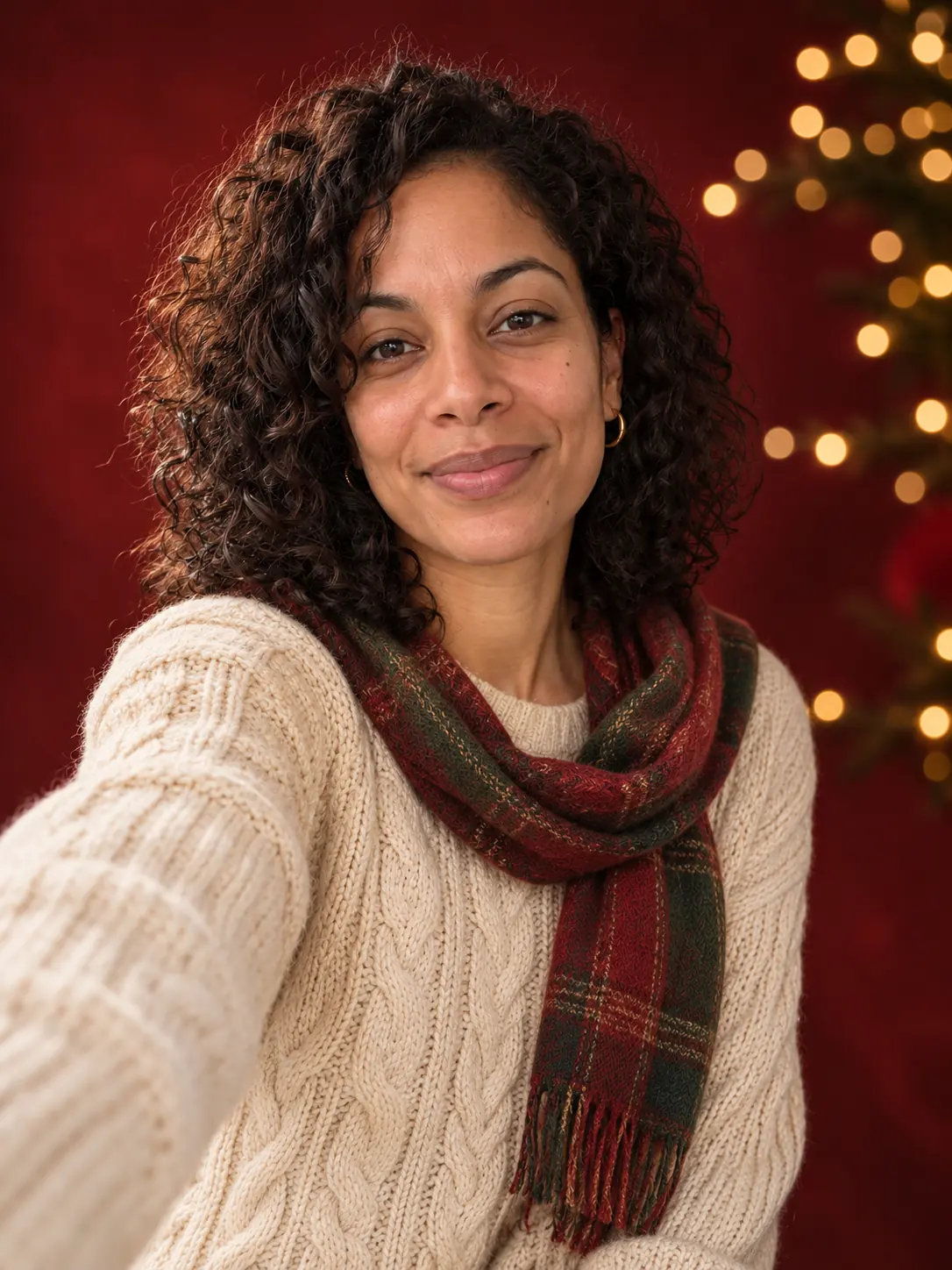
For example: “Turn this selfie into a festive studio portrait” (action), “a deep red backdrop with golden lights, and a cream cable-knit sweater” (what changes), “soft, flattering studio light” (the look). “Keep my face, hair and expression exactly the same” (what stays). Keep that last sentence word for word in every new scene you ask for.
Turn this selfie into a festive studio portrait: a deep red backdrop with soft, out-of-focus golden lights, and a cream cable-knit sweater. Soft, flattering studio light. Keep my face, hair and expression exactly the same.
That request describes the example at the top of this page. You don’t have to use the Holiday portrait style for the next two scenes. You can attach the same selfie and describe the scene in chat.
Put me in a cosy living room at night, beside a lit fireplace and a decorated Christmas tree, holding a mug of hot chocolate. Warm firelight on my face. Keep my face, hair and expression exactly the same.
Put me on a snowy street in the evening, with gentle falling snow and warm string lights behind me. Dress me in a camel wool coat and a red knitted scarf. Keep my face, hair and expression exactly the same.
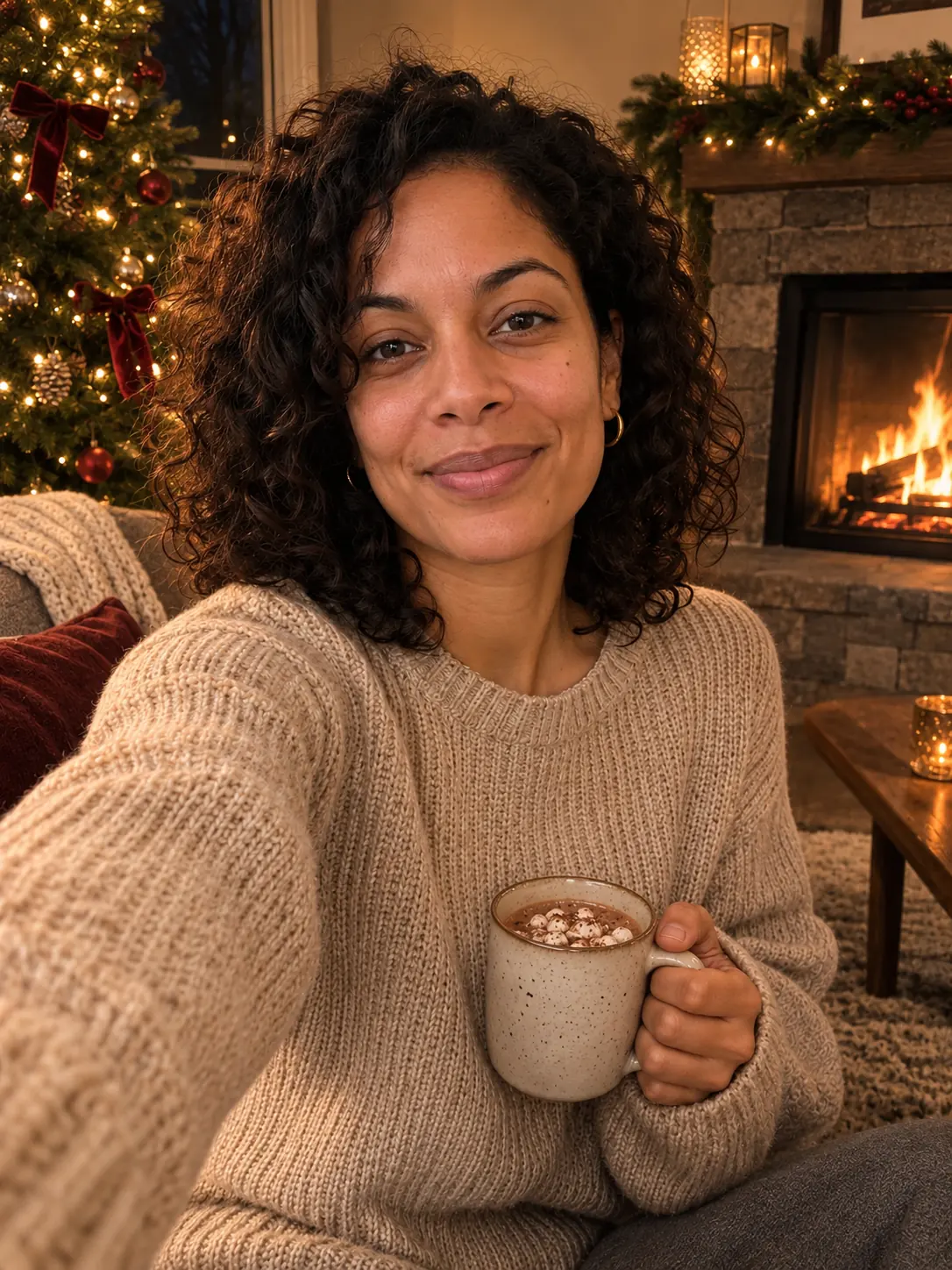
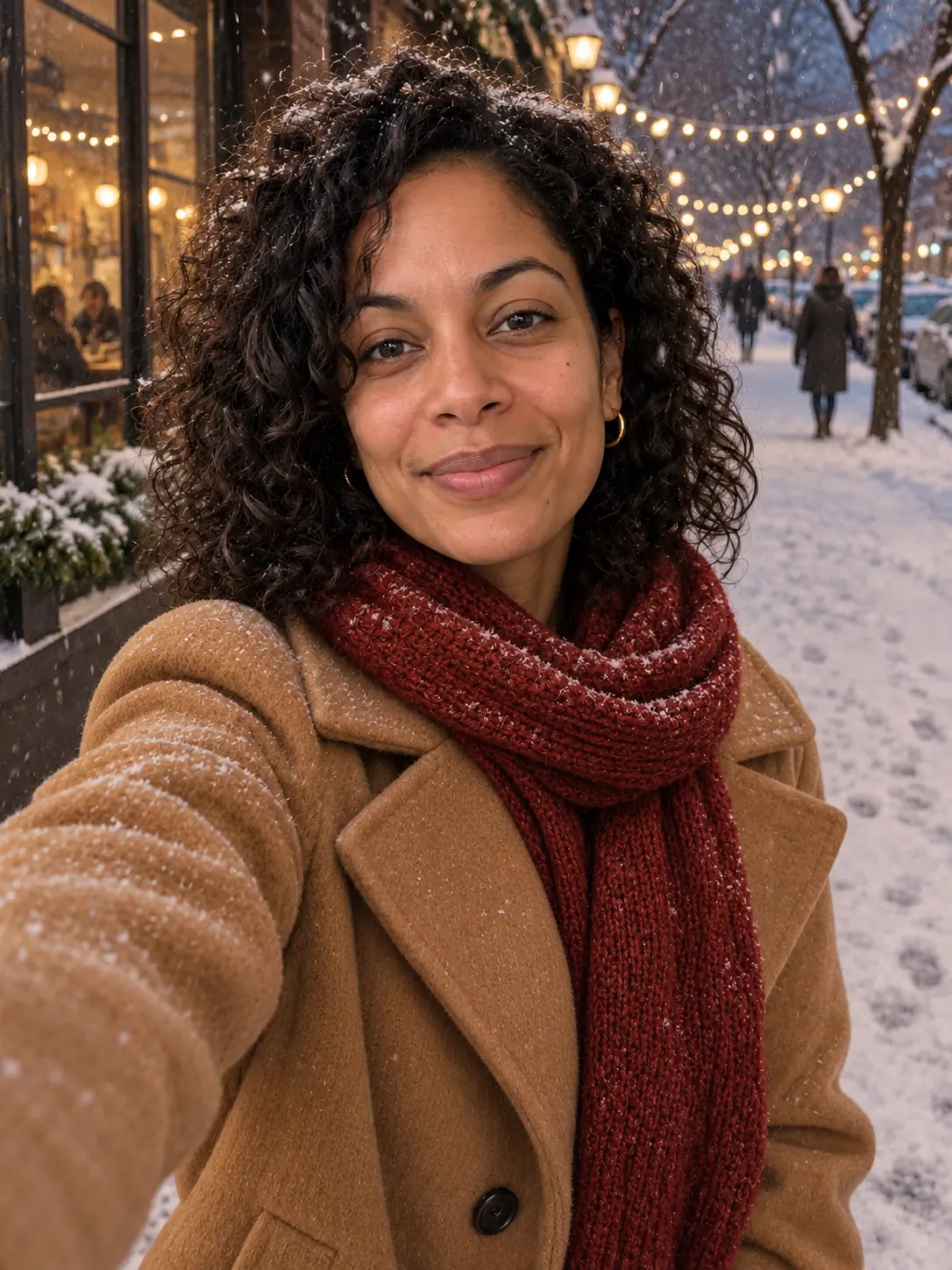
Three scenes, one selfie, one closing sentence that never changes. If you want your own clothes in the picture, swap the outfit part for “keep my own sweater as it is”.
Make this a holiday portrait with a dark green backdrop and warm candlelight. Keep my own sweater as it is. Keep my face, hair and expression exactly the same.
Refine it
Once you have a result you like, change one thing at a time in the same chat. Each message is a small step, so you can tell which change caused what.
The light on my face looks flat next to the fire. Add warm firelight to my face. Change nothing else.
Make my sweater a deep red instead of cream. Keep my face, hair and expression exactly the same.
My smile looks different from my original selfie. Make it match the original. Change nothing else.
If a result drifts away from your face after a few rounds, go back to the original selfie and start a fresh request rather than stacking more fixes.
Limits to know
- Results in Lumia vary from one try to the next. Even with the face line, small details such as freckles, eye shape or a gap in your teeth can shift. Compare with your selfie before you keep one.
- Hands and props are the weak spots. Check the fingers around a mug and any writing on cards or signs.
- Chat takes at most two photos per request: the photo you edit and one reference. Saving or sharing a result may ask for a subscription or a one-time unlock.
Before you share
France’s data-protection authority, the CNIL, notes that in France, sharing an edited image of someone with the public or with another person without their consent can be punished under criminal law. Getting their consent before you share it, privately or publicly, is the simple habit that keeps you clear of that.
FAQ
Why does my face sometimes look slightly different?
The edit redraws the whole picture, including your face. A sharp, front-lit selfie and the line “keep my face, hair and expression exactly the same” reduce the drift. If it still looks off, try again from the original photo.
Can I make a holiday portrait of my child?
You can, but take extra care. Get the agreement of the other parent or guardian before you share it in any way, even privately, and prefer sending it to family over posting it publicly.
My selfie is a bit blurry. Will it still work?
Run AI Enhance on it first, and use that sharper version in chat. A very blurry photo, or one taken in the dark, is better replaced with a new selfie by a window.
Do I have to use the Holiday portrait style?
No. The style is a ready-made starting point for a holiday look. For other scenes, such as a fireplace or a snowy street, you can attach your selfie in chat and describe the scene yourself.
Is it free?
The app is free to download, and on-device modes such as AI Enhance Local are free. AI tools in chat use credits, and saving or sharing may ask for a subscription or a one-time unlock.