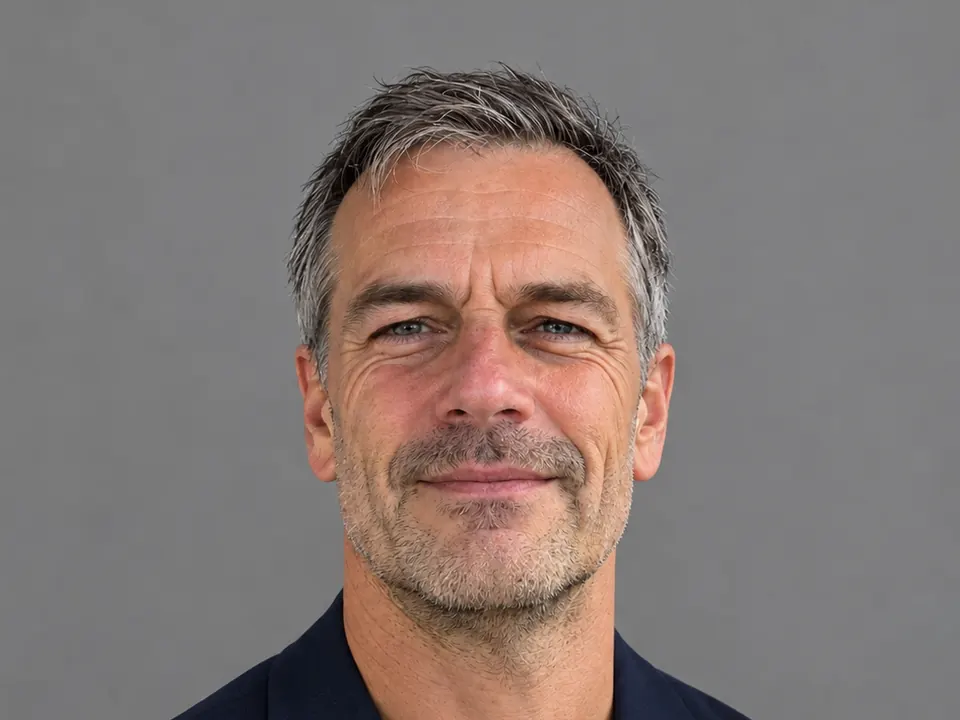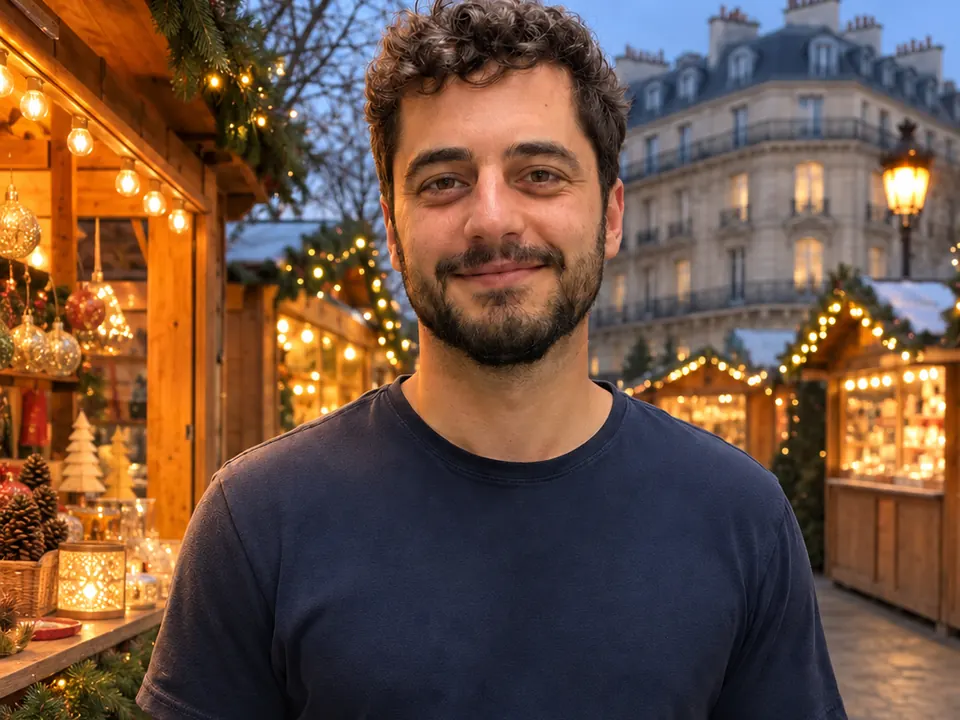
You can take an ordinary photo of yourself, even one shot in a grey office corridor, and ask Lumia’s chat to put you at a Christmas market in Paris, on a snowy New York street or on a sunny street abroad. The trick is to change only the place, ask for light that suits the new scene, and say clearly what must stay the same.

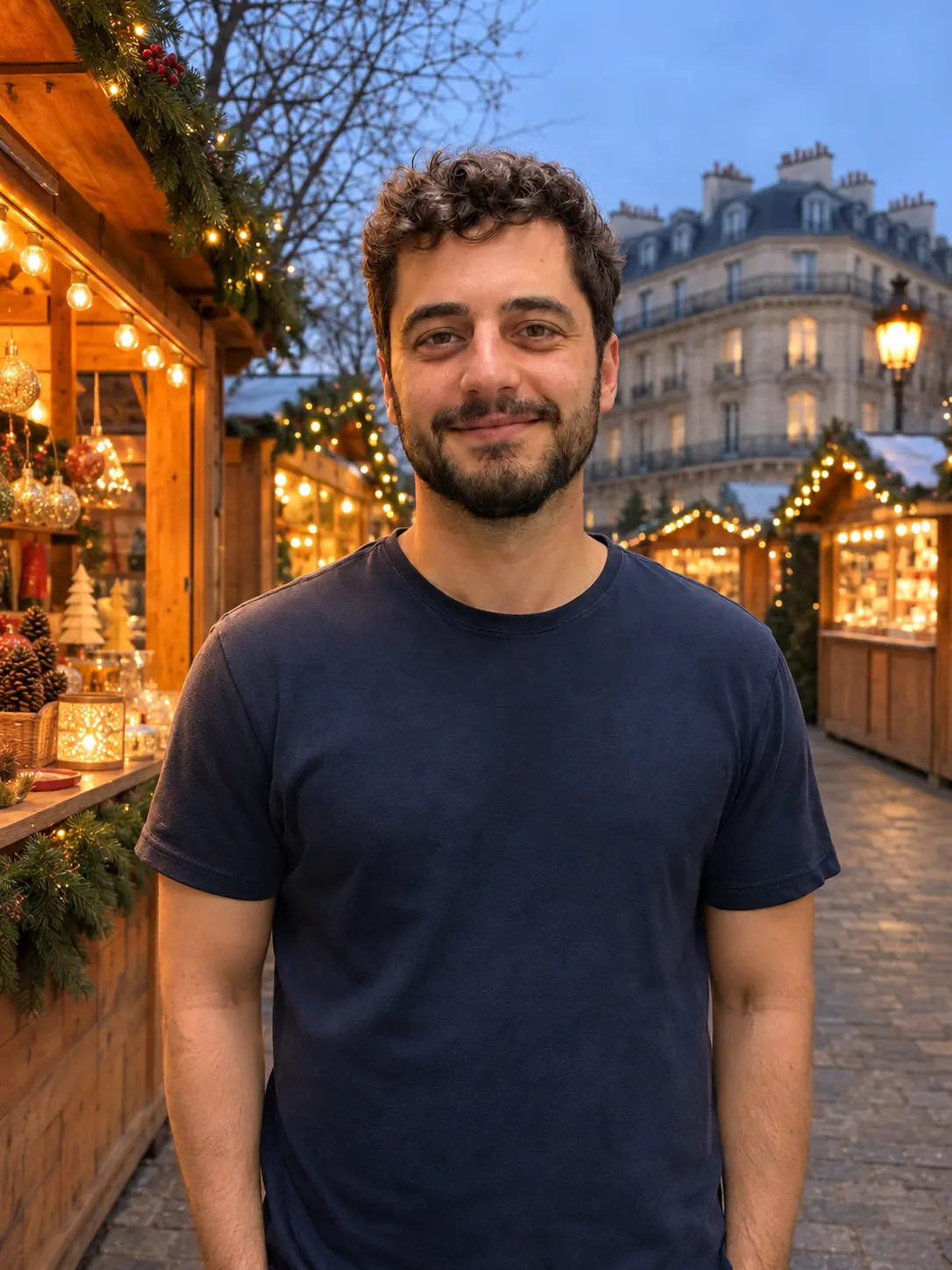
Think of the result as an AI postcard: a fun picture of where you would like to be. It is not a record of a trip.
What you need
- One sharp photo of you. Phone photos are fine. Avoid blur, heavy filters and very dark shots.
- Your face fully visible. Look roughly towards the camera, with nothing covering your eyes or mouth.
- Even light from the front. A window in front of you works better than a lamp behind you.
- One main person. If other people are in the frame, the edit has to guess who you mean.
- Clothes that suit the trip, or a plan to change them. Your outfit carries over. A t-shirt works on a sunny street; for snow, you will ask for a coat in a second message.
- Your own photo, or a photo of someone who agreed. Putting a friend in Paris is a nice surprise only if they are happy with it.
The background does not matter. A corridor, a kitchen or a car park all work, because it is the part you are replacing.
How to do it in Lumia
- Open the chat in Lumia and sign in if it asks. The empty screen says “What should we create?”.
- Attach your photo.
- Type one request: where you want to be, what the light should look like, and what must not change. The prompts below are ready to copy.
- Look at the result closely, especially your face, hair and hands. If something is off, reply in the same chat with one fix.
- When you like it, use Save (“Saved to Photos”) or Share. Your results also stay in History, so you can come back to them.
Prompts to copy
A good place request has four parts: the action (put me somewhere), what changes (the place), the look (time of day and light) and what stays the same (your face, hair, expression and clothes). Write all four every time. The last part matters most, because it stops the edit from quietly changing you.
Put me at a Christmas market in Paris at dusk, with wooden chalets and warm string lights behind me. Make the light on my face soft and warm, like dusk. Keep my face, hair, beard, expression and navy t-shirt exactly the same.
For a sunny street abroad, the same formula works with a different light.
Put me on a sunny street in Lisbon at golden hour, with a yellow tram behind me. Give my face warm, low sunlight from one side. Keep my face, hair, beard, expression and navy t-shirt exactly the same.
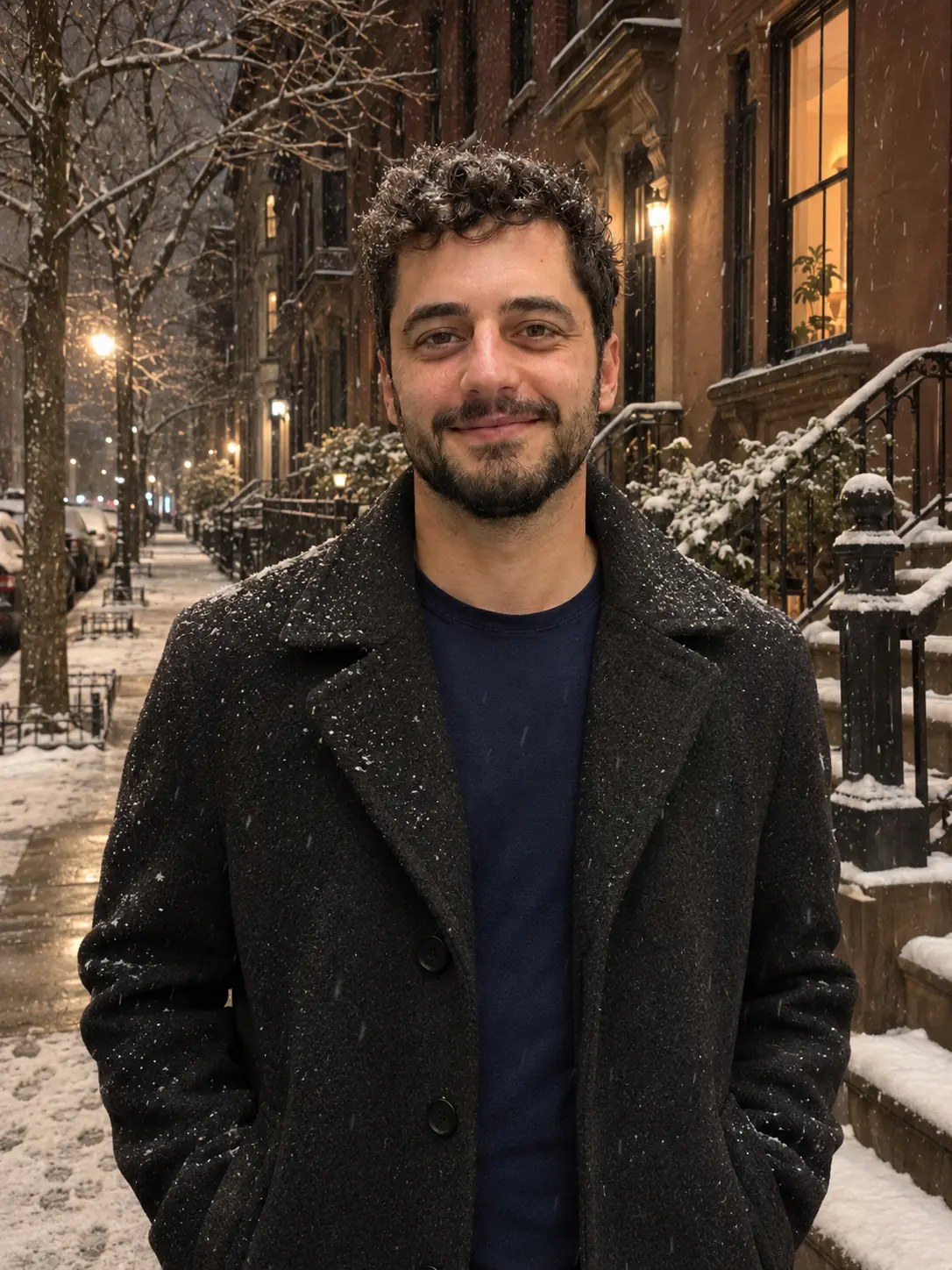
A snowy night is a bigger jump, so take it in two steps. First change the place. Then, in a second message, change the clothes, because a t-shirt in the snow looks wrong.
Put me on a snowy New York street with brownstone houses at night, lit by street lamps and warm windows. Keep my face, hair, beard and expression exactly the same.
Now put me in a dark wool coat. Change nothing else.

Refine it
Reply in the same chat and change one thing per message. If you ask for three fixes at once, it is hard to tell which one helped. For the Paris picture, for example:
Make the background a little softer and more out of focus, so I stand out. Keep everything else the same.
My face looks too bright for the scene. Make it a bit darker and warmer to match the lights behind me.
Add light snow falling in front of the chalets. Do not change my face or clothes.
If a fix makes things worse, do not stack more fixes on top. Say what went wrong in one short message, or try a different single change.
Limits to know
- Results vary. The same request can give a different picture each time, and some tries will look less natural than others.
- Signs, shop names and landmarks may come out approximate or garbled. Treat the place as an impression of Paris, not a map of it.
- Chat takes at most two photos per request: the photo you edit and one reference, such as a picture of the kind of street you have in mind.
Before you share
France’s data-protection authority, the CNIL, notes that a photo modified with AI can look very real, and that sharing a montage made with someone’s image without their consent, even privately, can be punished under French law. A short “AI postcard” line in your caption keeps things honest and friendly.
FAQ
Will it look like I was really there?
It can look convincing, especially when the light matches. That is exactly why you should label it as an AI picture and not present it as a trip you took.
Can I choose any city or season?
Usually, yes. Name the place, the time of day and the weather in your request, for example a Christmas market at dusk or a sunny street at golden hour. Famous landmarks may not come out exactly right.
Why did my clothes or hair change?
The edit sometimes changes more than you asked. End every request with “keep my face, hair, expression and clothes exactly the same”, and fix any drift with one short follow-up message.
Can I use a photo of the place as a reference?
You can attach one reference photo next to your own, because chat accepts two photos per request. Say which photo is you and which shows the place.
Is it free?
Lumia is free to download from the App Store. AI tools such as chat use credits, and saving or sharing a result may ask for a subscription or a one-time unlock.