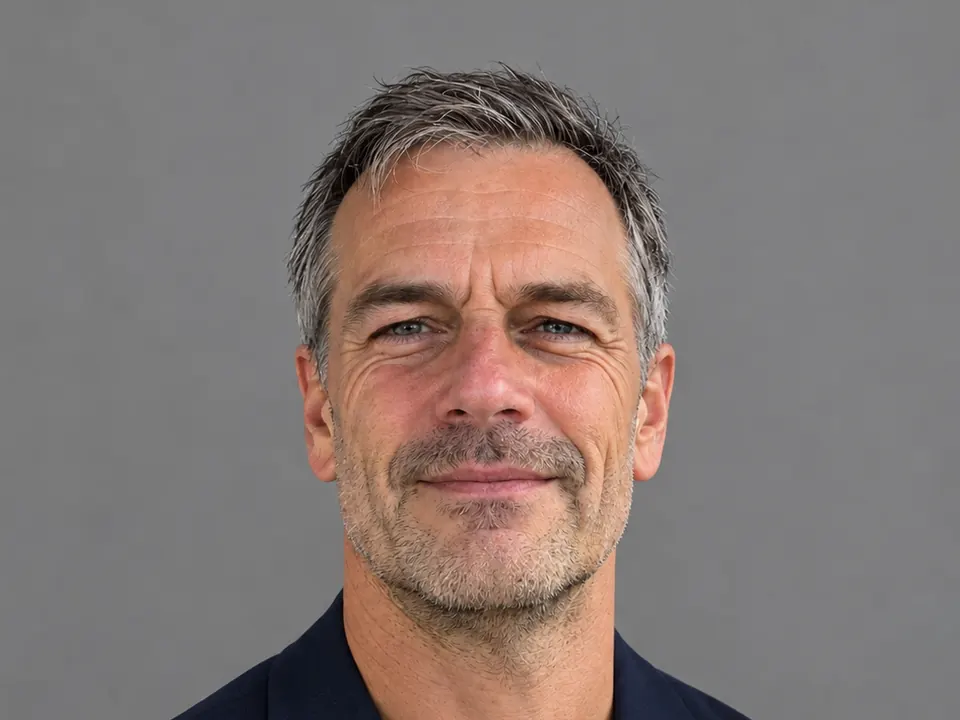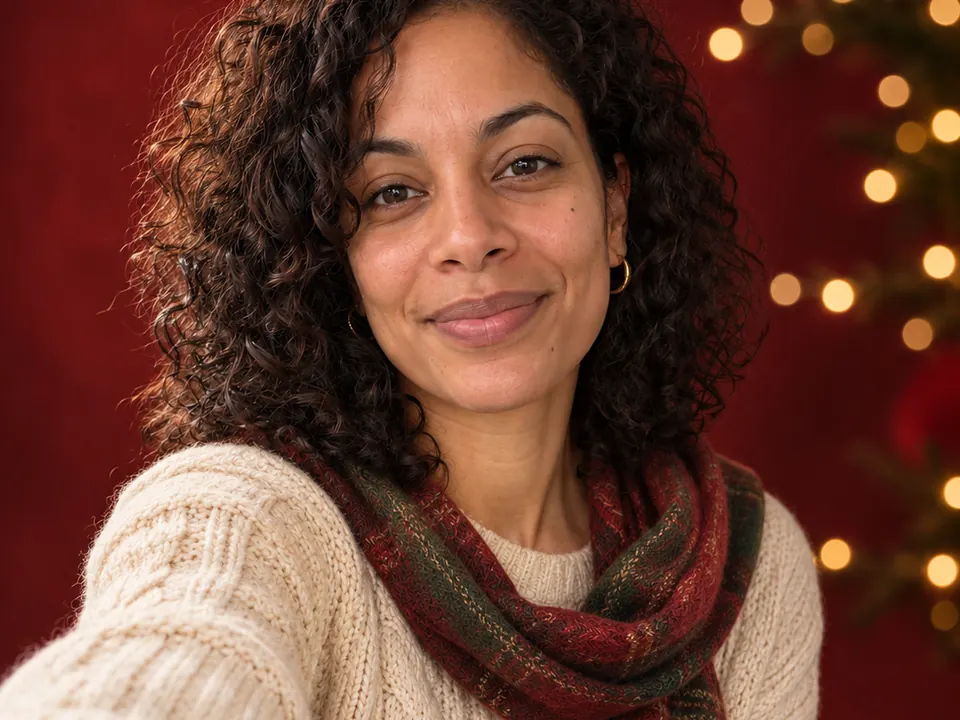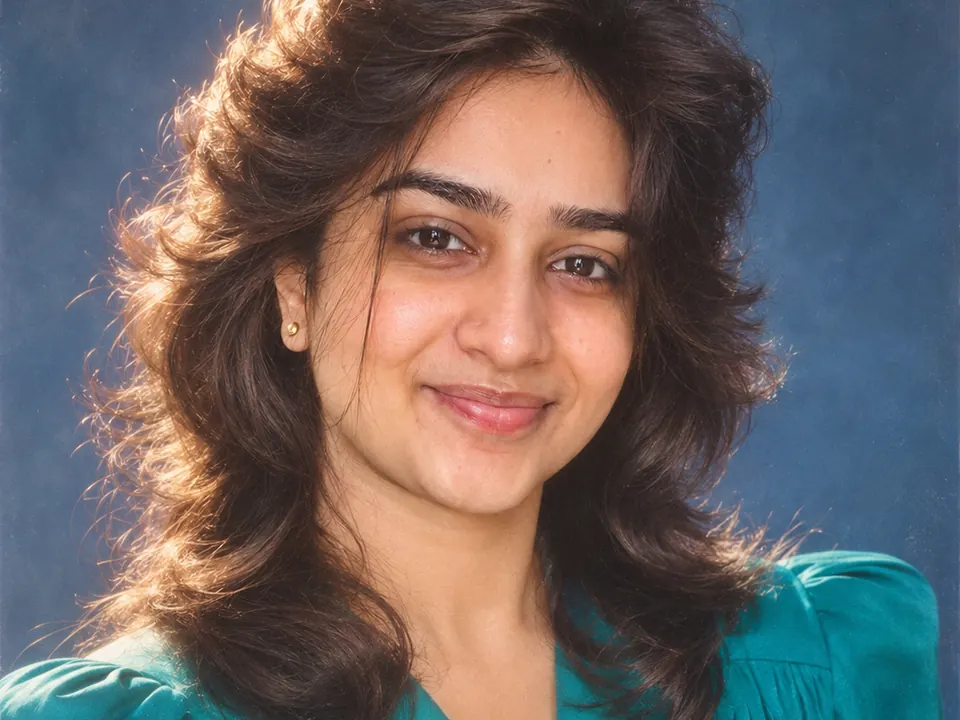
Attach one clear selfie in Lumia chat and pick a retro style: 1980s portrait or Film look (both new in version 1.2.8), or one of the four Old money looks. You can also skip the buttons and describe the look in your own words, then keep the version you like.
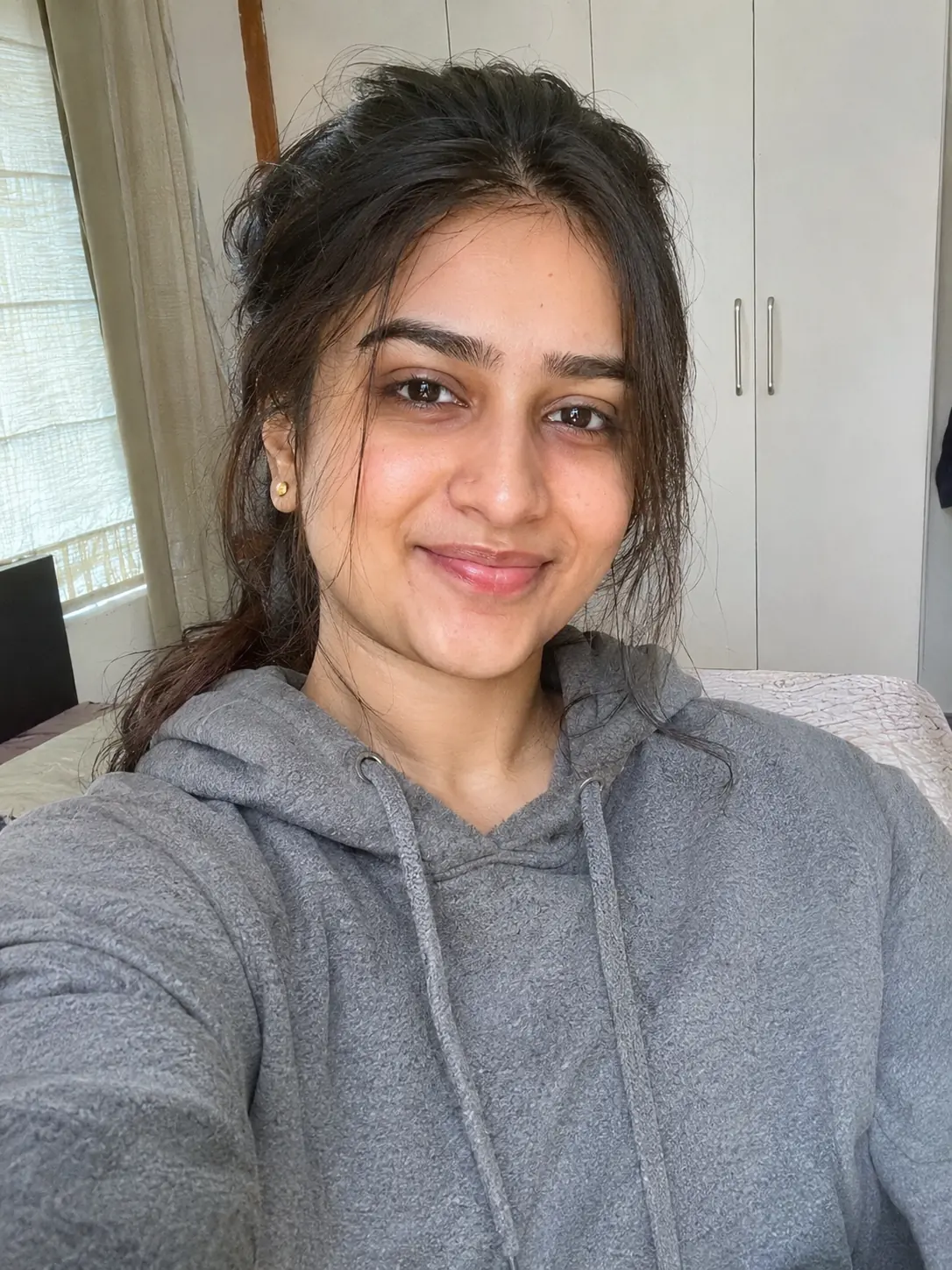
What you need
Start with one good photo:
- Sharp, not blurred, and lit from the front.
- Your whole face visible, with no hand, hair or sunglasses across it.
- One main person in the frame. If other people are in the shot, crop them out first.
- Your own photo, or a photo of someone who said yes.
Different looks suit different source photos:
- Film look is mostly about colour and texture, so an ordinary everyday photo, indoors or outside, is a good start.
- 1980s portrait is a studio-style look. A head-and-shoulders selfie facing the camera gives it the most to work with.
- Old money is about clothes and setting. A photo that shows your shoulders and some of your upper body leaves room for the outfit.
How to do it in Lumia
- Download Lumia from the App Store (iOS 18 or later) and open chat. Chat needs you to sign in.
- The empty screen asks “What should we create?” Pick one style. 1980s portrait and Film look are in the Style me stack in the Discover row. Hamptons, Riviera, Ivy League and Equestrian are in the Old money stack in the Styles row.
- Attach your selfie. If chat asks which photo to use, choose the one you want restyled.
- Look at the result. Use Edit to fine-tune it, Save to keep it (“Saved to Photos”) or Share to send it. Every result also stays in History.
Write the request yourself
You can skip the style buttons and type what you want. A request that works well has four parts: the action, what changes, the look, and what must stay the same. For example: “Turn this into” + “a studio portrait” + “with 1980s hair and lighting” + “keep my face and expression exactly the same.”
Here are three requests that match the examples on this page.
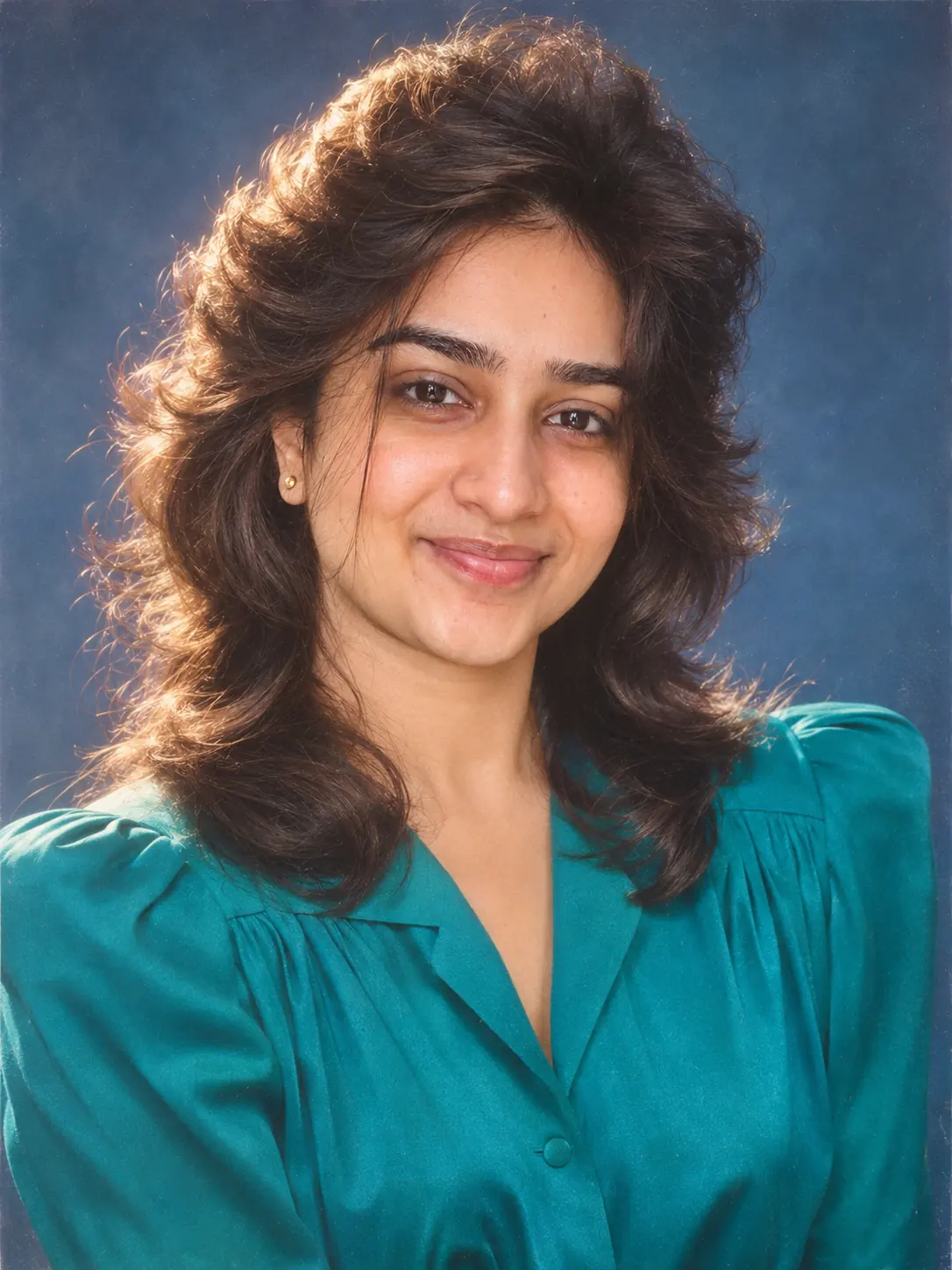
The 1980s studio portrait shown at the top:
Turn this selfie into a 1980s studio portrait: big feathered hair, a teal blouse with shoulder pads, soft studio light and a mottled blue backdrop. Keep my face and expression exactly the same.
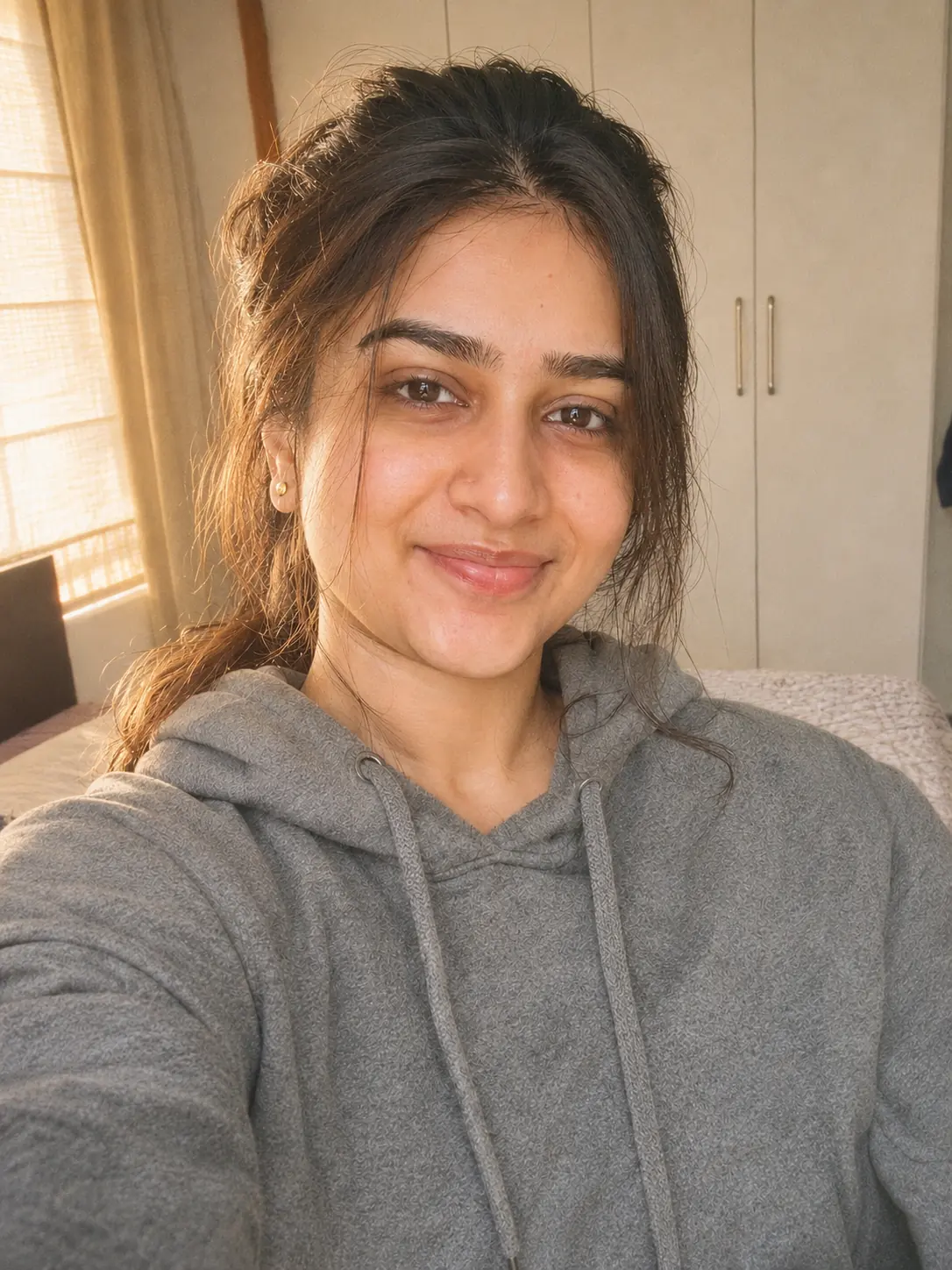
A film look that keeps the room, the hoodie and the pose:
Give this photo a 35mm film look with warm, slightly faded colours and fine grain. Keep my face, hair, hoodie and the room exactly the same.
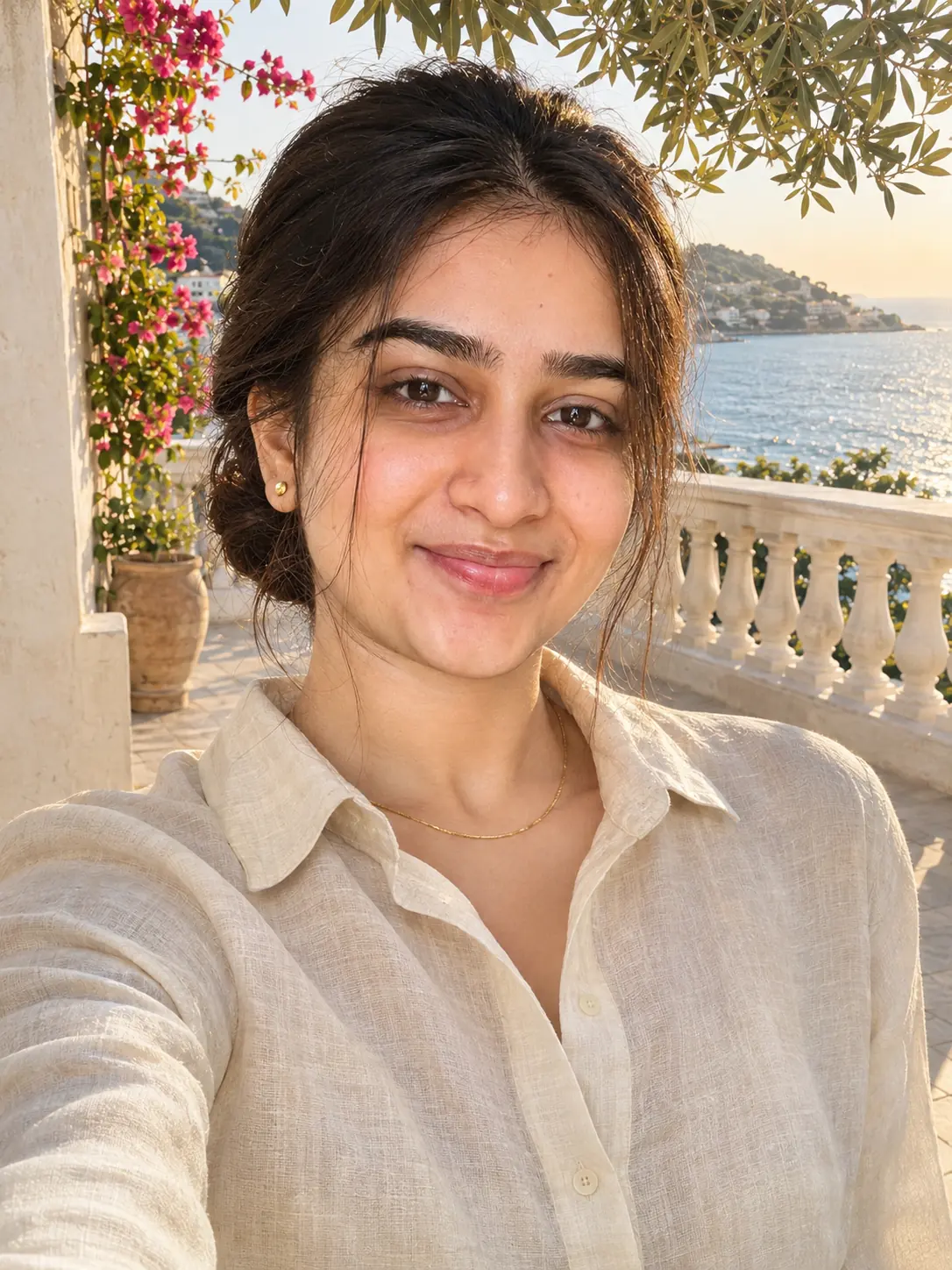
A Riviera look from the Old money family:
Give me a quiet-luxury Riviera look: a cream linen shirt, my hair in a sleek low bun, on a sunny terrace with white railings and the Mediterranean behind me. Keep my face and expression exactly the same.
Refine it
Once you have a result you mostly like, ask for one change per message, so you can see what each change does:
Make the film grain a little finer and keep everything else the same.
Swap the teal blouse for a burgundy one. Keep my face, hair and the backdrop exactly the same.
Move the scene from the Riviera terrace to a sailing boat. Keep my face, the linen shirt and the low bun exactly the same.
If a change goes wrong, open the earlier result from History and try different wording, instead of stacking more fixes on top.
Limits to know
- Results in Lumia vary from photo to photo and from run to run, and they will not match the illustrations on this page exactly.
- A style can change your hair, clothes and background on purpose. Check that the face still looks like you before you keep it.
- The AI styles use credits, and saving or sharing a result may ask for a subscription or a one-time unlock.
Before you share
France’s data-protection authority, the CNIL, explains why images edited with AI can cause harm when they are used without the person’s agreement (CNIL page on deepfakes, in French).
FAQ
Can I combine the 1980s portrait and the Film look?
Do them one after the other, not in the same request. Make the 80s portrait first, then ask for a film look on that result, and keep whichever version you prefer.
Which Old money look should I choose?
Hamptons, Riviera, Ivy League and Equestrian are four takes on the same quiet-luxury idea. Pick the setting you would actually wear the clothes in, and try a second one later if the first does not feel like you.
Will the style change my face?
These looks change your hair, clothes, colours or setting, and your request can ask to keep your face and expression the same. Still compare the result with your original, because AI edits can shift small details of a face.
Can I use an old photo instead of a selfie?
Yes, as long as it is sharp, lit from the front and shows one person with the whole face visible. A blurry or very dark photo gives the style less to work with.
Do I need to pay to try these looks?
Lumia is free to download, and the AI styles use credits. Saving or sharing a result may ask for a subscription or a one-time unlock.