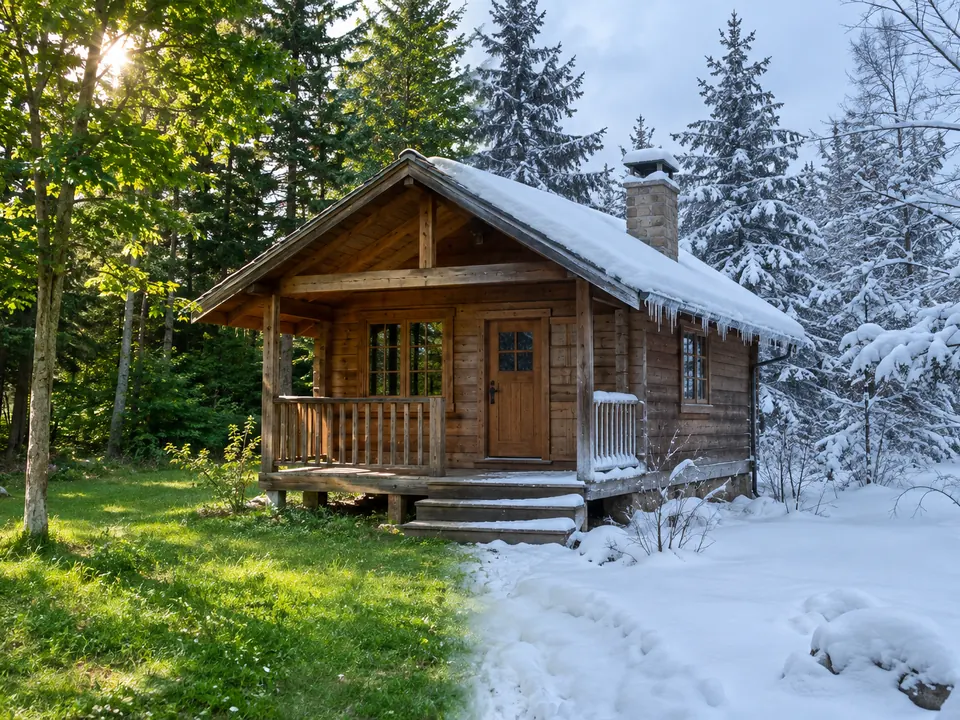
A winter edit can look convincing at first glance while changing a roofline or hiding a detail you wanted to keep. Before accepting it, review the scene’s structure separately from the appeal of the snow. The aim is a useful creative result, not proof that the depicted weather occurred.
Decide what the snow should change
Falling flakes, snow resting on surfaces and a different sky are separate choices. You may want one without all three. Keep the input and identify the landmarks that matter before judging a result: the building’s outline, a porch opening or the route of a path.
A whole-scene transformation and a small repair also have different scopes. Adobe’s Photoshop guidance distinguishes whole-image editing from selected-area editing. That is Adobe-specific guidance, not evidence about Lumia’s selection behavior.
Walk through the earlier cabin example
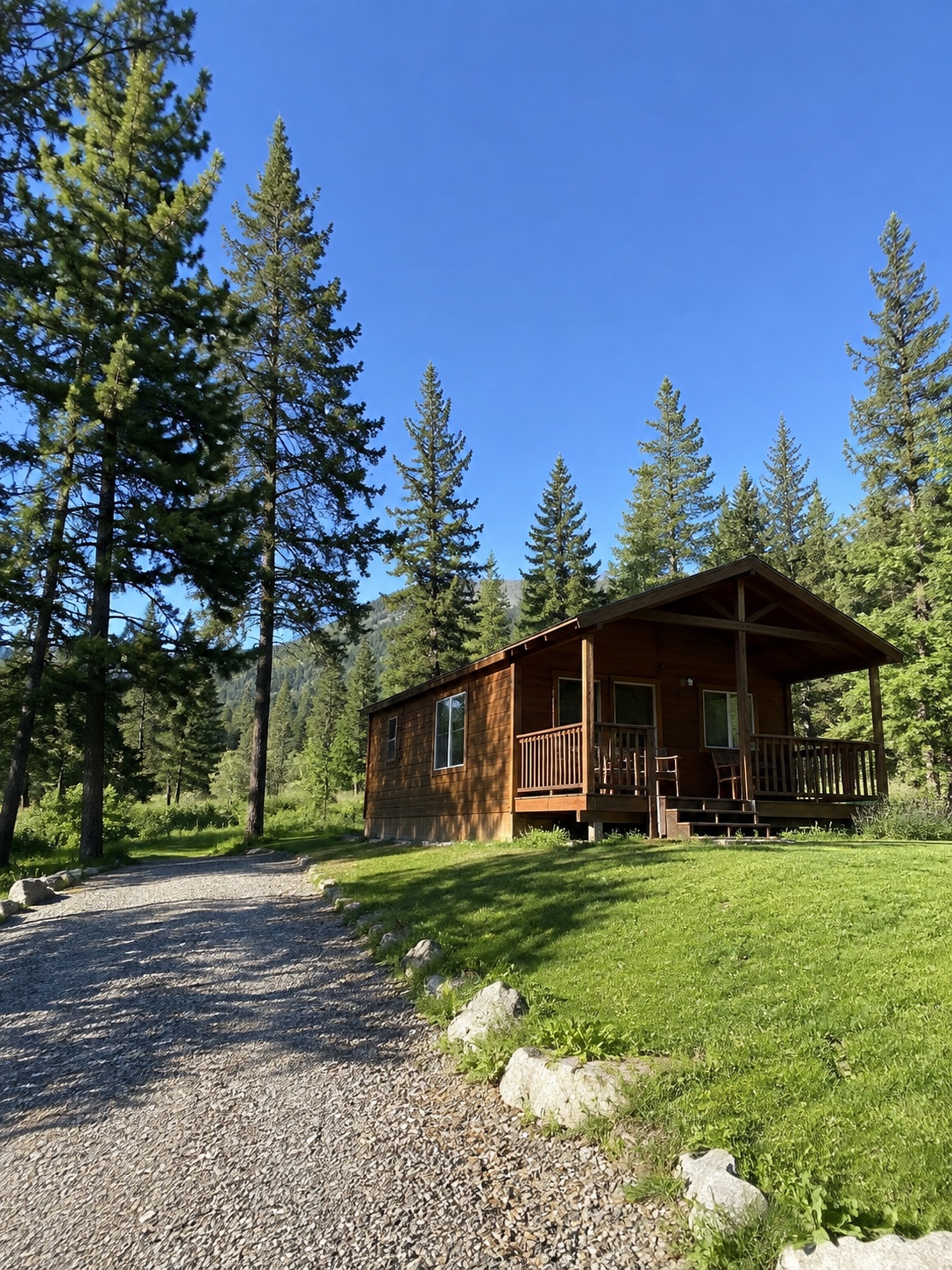
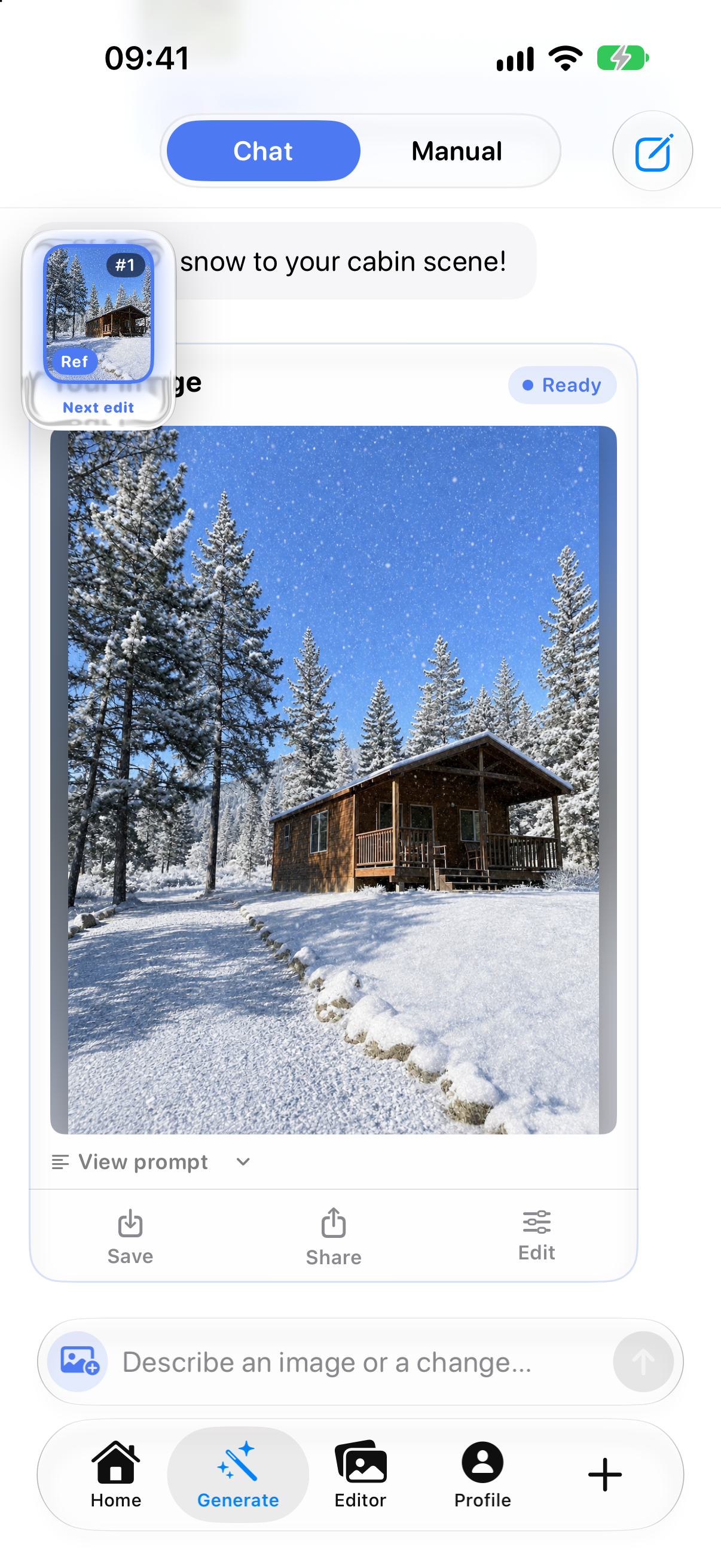
Compare the scene inside the result screen with the input, at a comparable displayed size. The screenshot includes interface controls and scales the picture; equal zoom percentages would not establish a pixel-for-pixel comparison.
Start at the roof ridge and follow the eaves toward the porch posts. These visible lines give you something specific to compare. Recognizing the same cabin is not enough to establish that its proportions or every edge stayed unchanged.
Then follow the stone boundary of the path. The input shows gravel beside green ground; the result covers much of that surface with snow. Original ground texture and partially buried edges cannot all be assessed from this result. Do not mark a hidden detail as preserved simply because no difference is visible.
Give each landmark an honest status
- Visible and assessable: you can locate the same feature in both versions. Compare its shape, position and relation to nearby features before deciding whether the change is acceptable.
- Covered or unclear: snow, flakes, framing or limited display detail prevents a reliable comparison. Record the uncertainty. Zooming cannot reveal information absent from the file.
- Visibly changed: a roof angle, opening, post or path boundary differs in a way you can identify. Decide whether that change belongs in the intended creative scene.
For this pair, a useful observation note is: “Roof ridge visible for comparison; ground texture and some stone edges covered by snow.” It identifies what can be inspected without declaring the entire scene unchanged. Use your own saved result for a closer assessment, not this screenshot as a quality benchmark.
Inspect the joins, then choose the next step
Look where snow meets the roof edge, porch, branches and path. Can you still read the important outlines? Is an opening unintentionally blocked? Does a new white patch make a post or branch appear disconnected? Check the whole scene again after looking closely. Snow depth and distribution can be artistic choices; this is not a test of meteorological accuracy.
- Keep the version when the visible structure and any covered details are acceptable for your intended creative use.
- Retry a local problem from the retained input or a previously accepted version when an appropriate editing tool is available. Identify the affected boundary rather than repeatedly transforming an already unsuitable result.
- Reject the variation when an important shape changed unintentionally, or when hidden detail matters too much to leave unresolved. Attractive snow does not compensate for losing the feature you needed.
Keep the decision with the chosen version
Save a short note naming the version, the landmarks checked, anything still unclear and whether you accepted it. This is a record of your review, not an authenticity certificate or a guarantee of unchanged pixels.
For help expressing the next change, use the focused-edit guide. Before sharing a seasonal transformation, explain what changed rather than implying a real snowfall.
Lumia’s current App Store listing describes creative photo editing. The historical example above illustrates a review method; it does not test version 1.2.7, its current interface or its ability to preserve a particular feature.