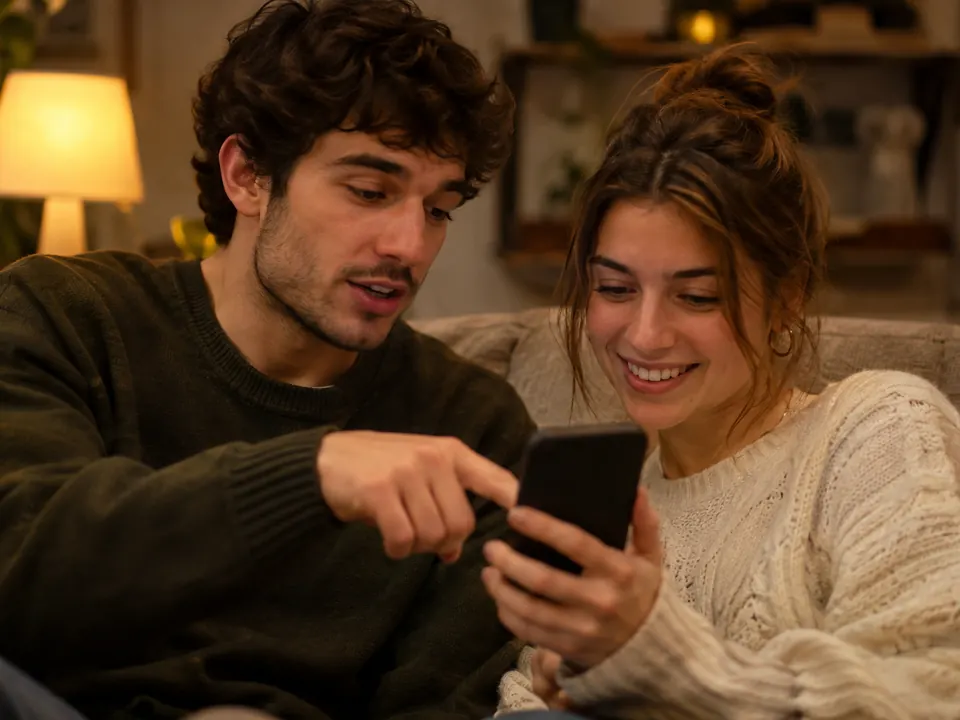
A photo with added snow can be a creative winter scene without being a record of winter weather. Before sharing an AI edit, give the viewer enough context to understand the change. A short, specific explanation is more useful than expecting a badge to tell the whole story.
Keep the input and a change note
Keep the image you started from separately from the version you plan to share. Note which version you chose and the changes you made. A prompt records what you requested; it does not prove that the result changed only that detail.
Compare the selected result with its input before describing it. If you need help limiting the edit itself, use the focused-request guide.
Describe the cabin example accurately

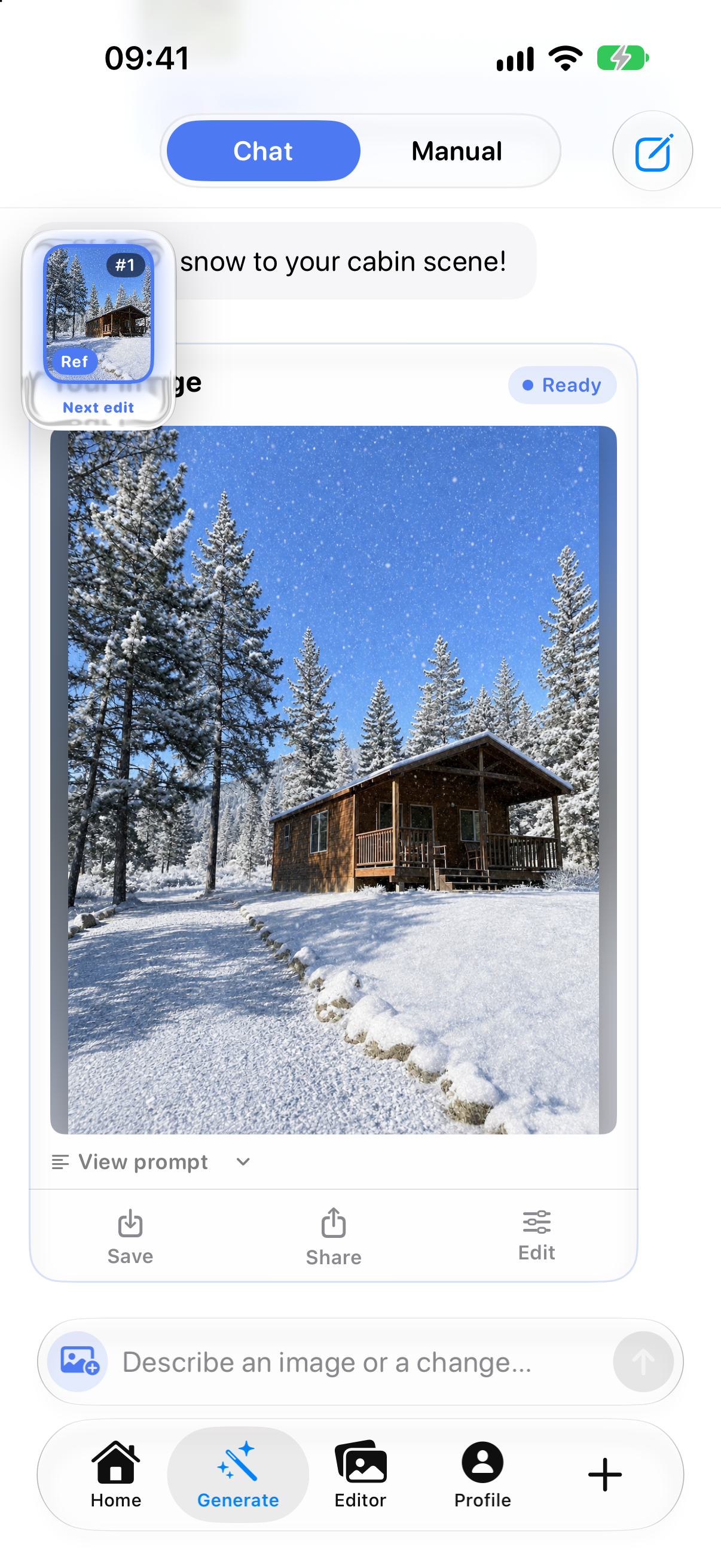
A useful caption for this example would be:
AI-edited creative version: snow added to the cabin scene. This is not a record of the weather.
That identifies the creative change without claiming that every other detail stayed identical. Avoid captions that imply a real snowfall, a verified date or a real visit unless you can support those claims separately.
Separate a caption, history and a label
- A caption is your explanation to the viewer. It should describe what you know about this version.
- Content Credentials can record signed information about a file’s origin and editing history. They do not establish that the depicted event happened. The C2PA explainer describes this distinction.
- A platform label is how a destination presents available information. Do not assume it communicates the exact extent of your edit.
Missing credentials do not prove that a photo is unedited. Embedded information can be separated from a file; some systems use durable bindings to help find associated credentials again. See the C2PA FAQ. A screenshot is not a dependable way to preserve the original file’s history.
Check the context that will reach the viewer
- Select the intended saved version, not an unrelated preview.
- Put the explanation beside the image, where the recipient can read it.
- Review the destination’s preview and available image information. If it offers disclosure controls, consult its current instructions.
- If the image or caption changes, check their meaning together again.
For example, Google Photos documents that displayed credential information depends on compatible files and viewer support. This guide has not tested an upload or a destination’s label behavior.
Match the image to its purpose
For a creative post, describe the transformation plainly. When someone needs a factual record, provide the retained input with its known context rather than presenting generated details as evidence. Keeping an input does not itself authenticate it.
Lumia’s current App Store listing describes creative photo editing. The earlier example illustrates why sharing context matters; it does not establish whether current Lumia exports create or preserve credentials or watermarks. A clear caption adds context, not an authenticity certificate.